


Logitech MX Keys Mini Wireless Illuminated Keyboard – Graphite
Master it with a mini
Meet MX Keys Mini – a minimalist keyboard made for creators. The same MX high-performance engineered for comfortable, fast, fluid typing, with smart illumination, and programmable keys in a space-saving, form factor.
- Logi Bolt
- Bluetooth
- Multi-device
- Rechargeable
- Backlit keys
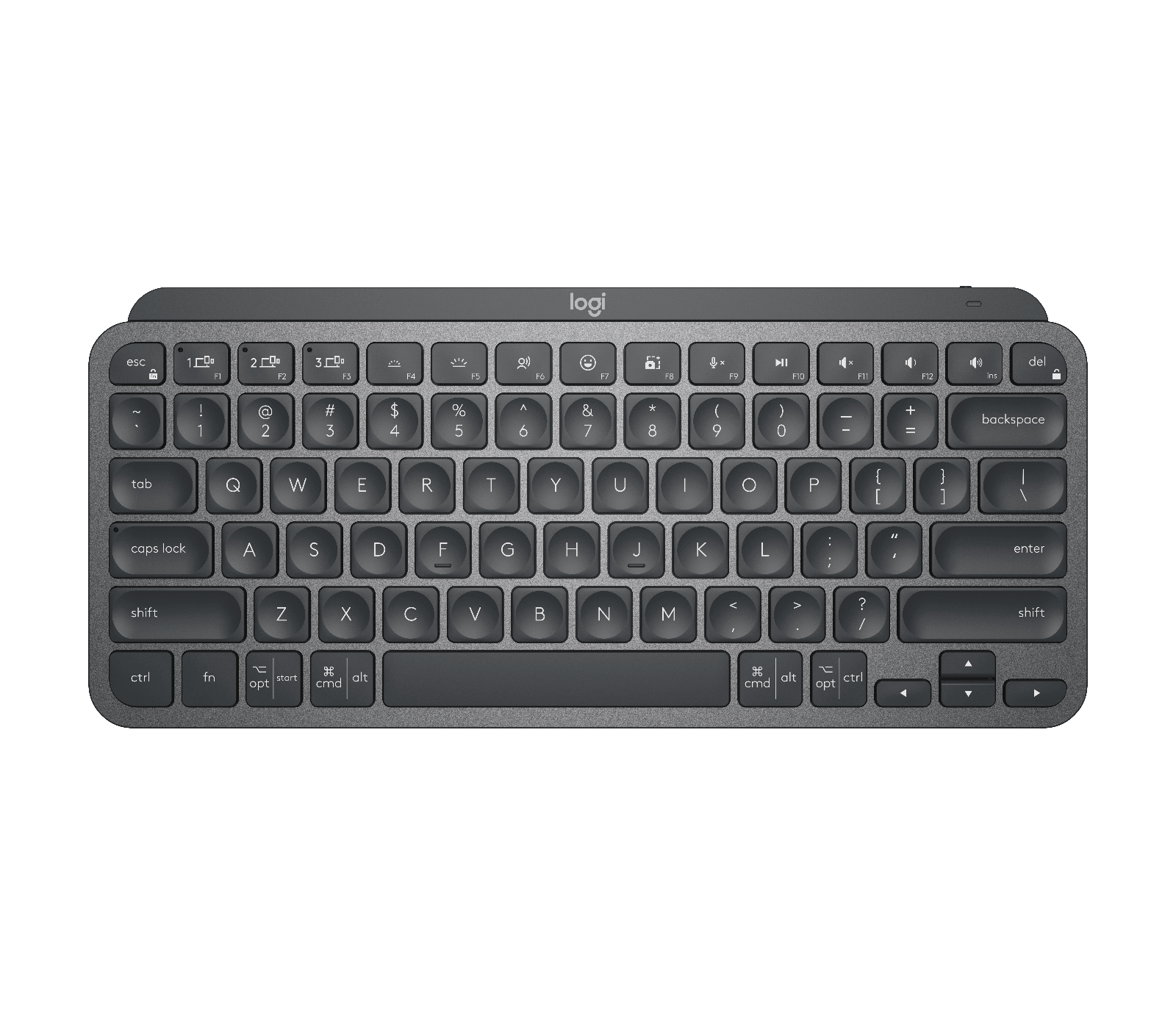
What it does well.
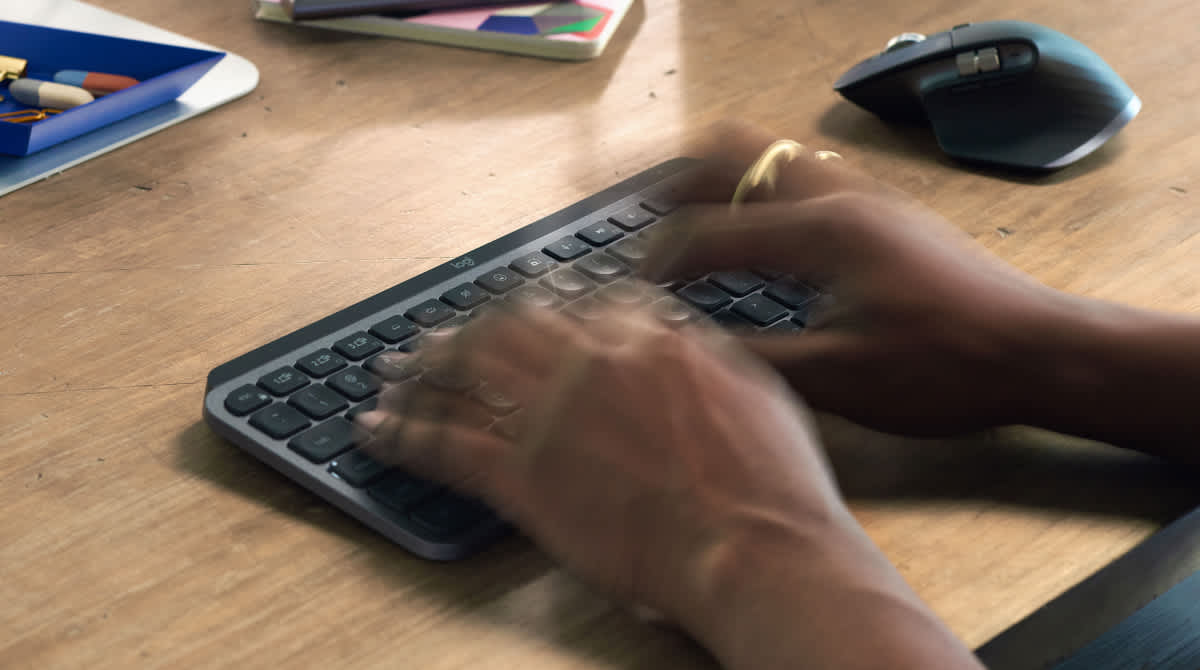
Fast fluid precise typing
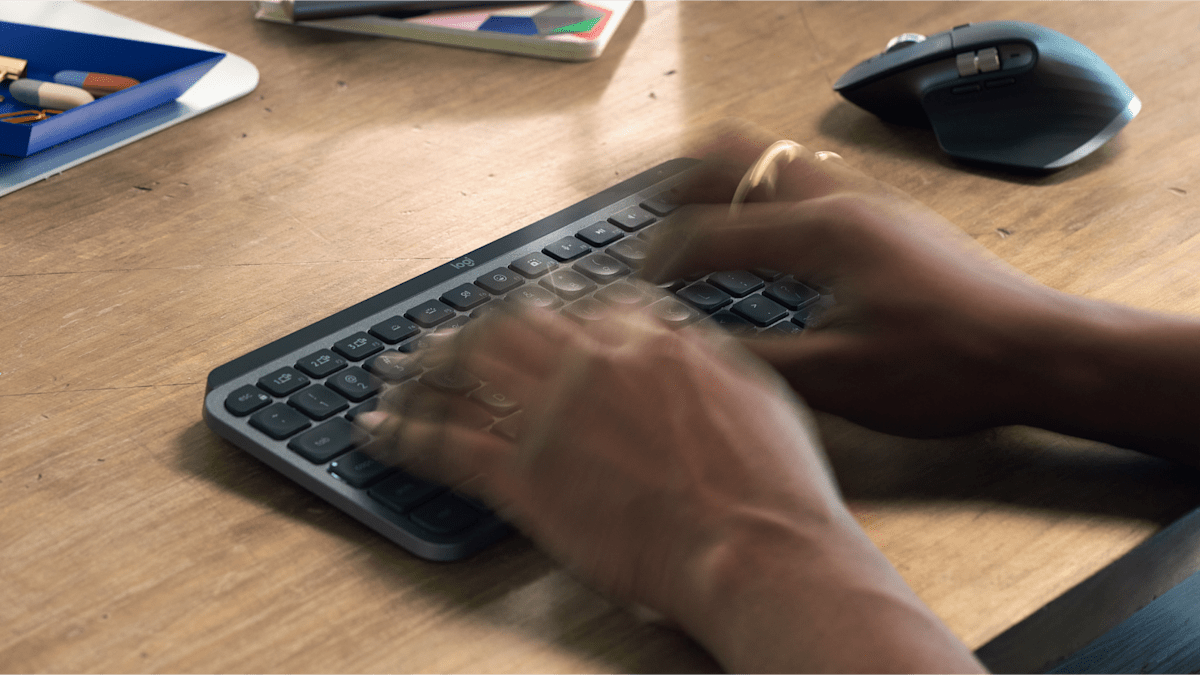
Type with confidence and speed with spherically-dished keys shaped for your fingertips, minimizing the chances of a mistype, while increased key stability reduces noise.
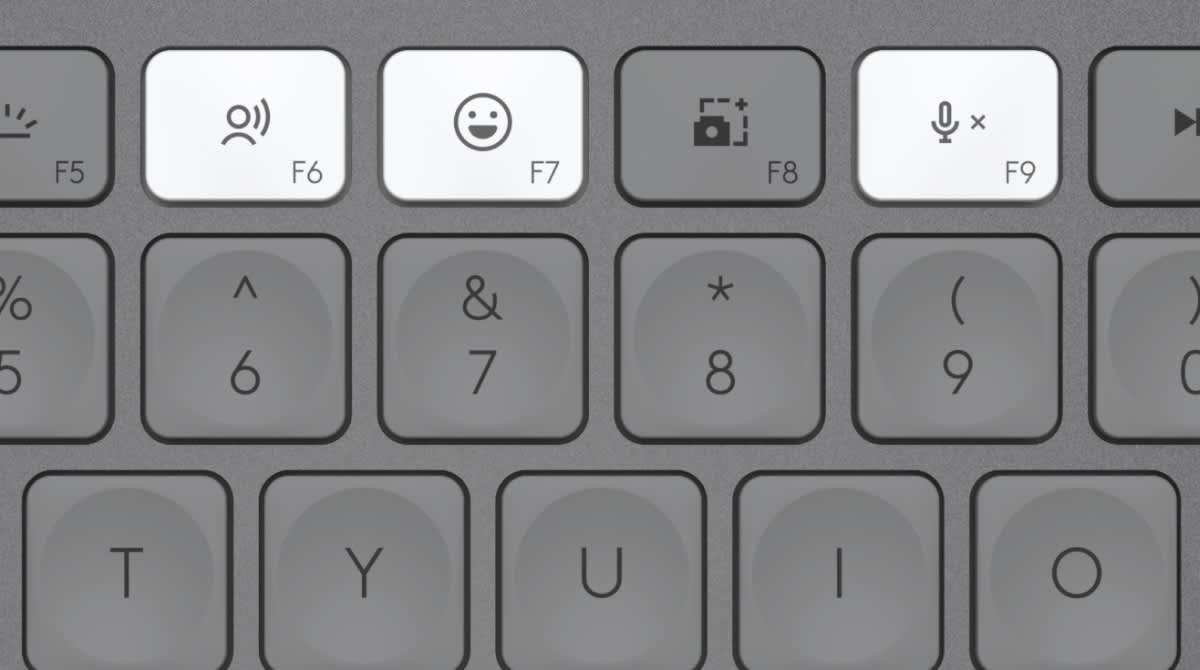
Introducing emoji, dictation and mic mute/unmute keys
Smarter Fn Keys now give you the power to send emojis, mute and unmute your mic, and activate talk to text.

Mini size, huge comfort
The minimalist form factor aligns your shoulders and allows you to place your mouse closer to your keyboard for less hand reaching – for better posture and improved ergonomics.
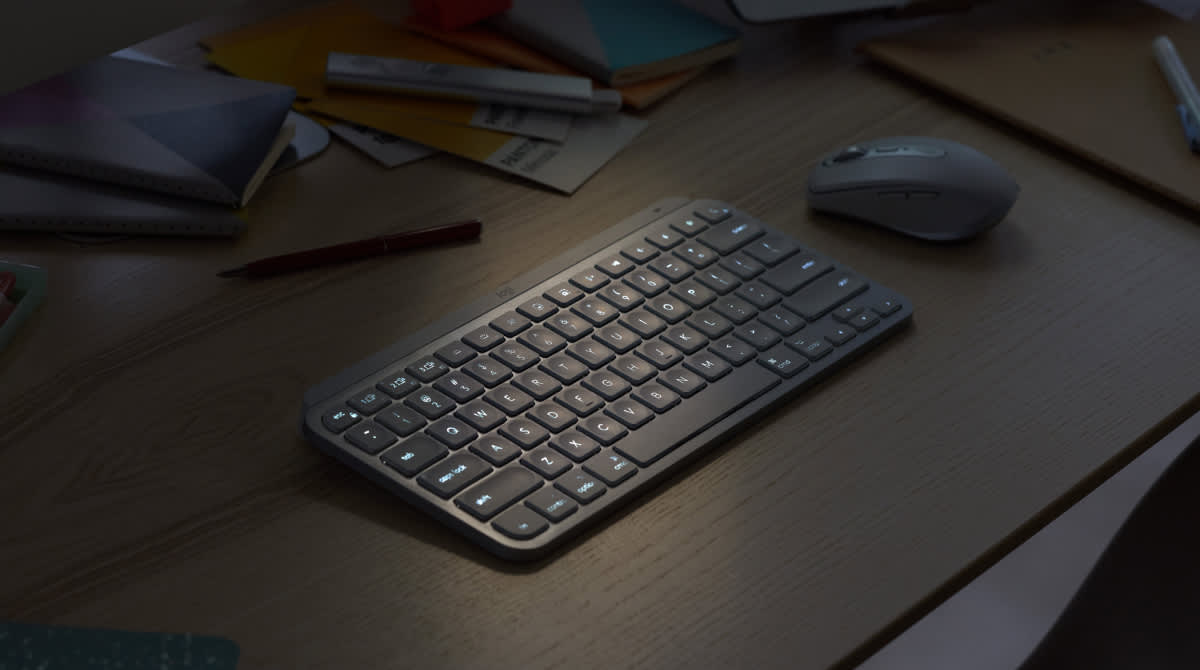
Smart illumination. Non-stop performance.
Backlit keys light up when your hands approach the keyboard and automatically brighten or fade to suit your environment. More backlighting customizations are available in Logi Options+.
Do more with Logi Options+
MX Keys Mini follows your Flow technology enabled MX Anywhere 3S or MX Master 3S so you can work across devices and operating systems in Logi Options+.
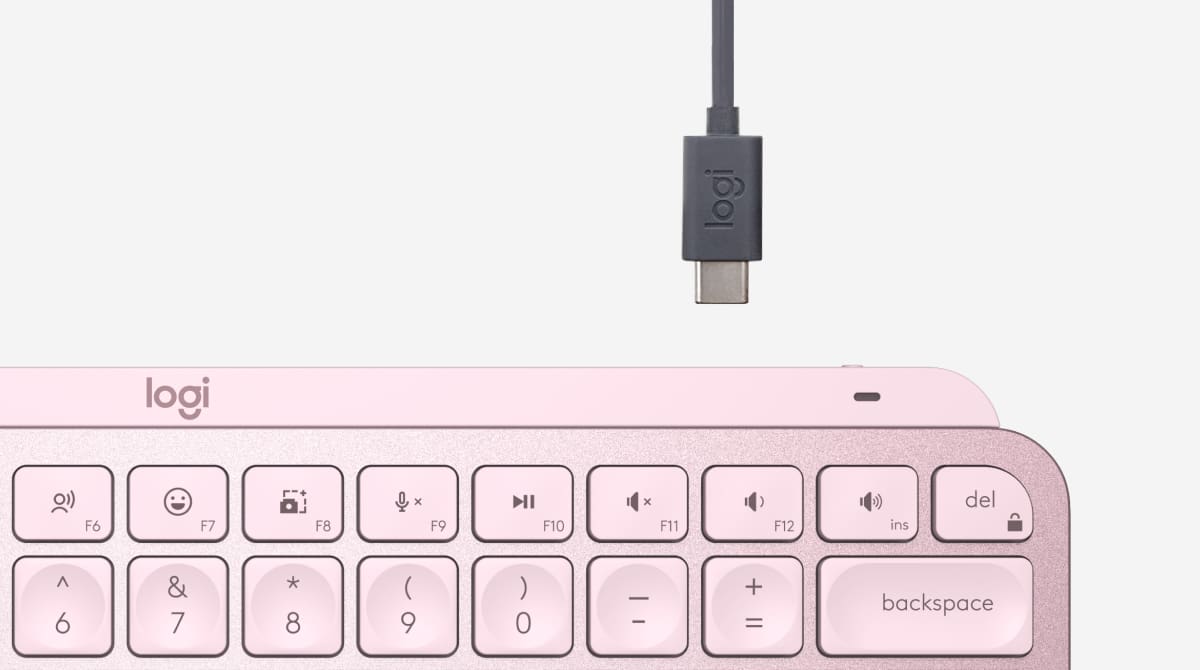
USB-C quick charging
MX Keys Mini stays powered up to 10 days on a full charge – or up to 5 months with backlighting turned off17Battery life may vary based on user and computing conditions. Charge while you work with the included USB-C charging cable.
The numbers.
- Proximity sensor
- Hand proximity sensor activated backlighting
- Light Sensor
- Auto-adjust ambient light sensor
- Indicator Lights
- Caps Lock and Battery indicator lights
- Customization app
- Supported by Logi Options+ on Windows and macOS. (Available on Windows and macOS at logitech.com/optionsplus)
- Battery type
- Rechargeable Li-Po (1500 mAh) battery
- Battery life
- up to 10 days or up to 5 months with backlighting off. (Battery life may vary based on user and computing conditions.)
- USB-C rechargeable
- Yes
- Power switch
- On/Off switch
- Connection Type
- Connect via the Bluetooth Low Energy technology
- Easy-switch
- Connect up to 3 devices and switch between them
- Wireless range
- 10 meters wireless range. (Wireless range may vary depending on operating environment and computer setup.)
- Compatibility
- Compatible with Logi Bolt USB Receiver (not included) Logi Bolt wireless products will not pair with other Logitech USB receivers
- Dimensions (MX Keys Mini)
- 131.95 × 295.99 × 20.97 mm (H × W × D)
- Weight (MX Keys Mini)
- 506.4 g
- Warranty
- 1-Year Limited Hardware Warranty
What you get.
- Keyboard
- USB-C charging cable (USB-A to USB-C)
- User documentation
Good to know.
What warranty does it carry?
1-Year Limited Hardware Warranty, as stated by Logitech.
Which systems is it compatible with?
Logitech lists: Compatible with Logi Bolt USB Receiver (not included) Logi Bolt wireless products will not pair with other Logitech USB receivers.
What's in the box?
Keyboard, USB-C charging cable (USB-A to USB-C), User documentation.
How does it connect?
Connect via the Bluetooth Low Energy technology.