


CABLETIME USB-C to DisplayPort 1.2 Cable, 4K@60Hz & 1080p@120Hz

USB-C to DisplayPort 1.2 Cable, 4K@60Hz & 1080p@120Hz
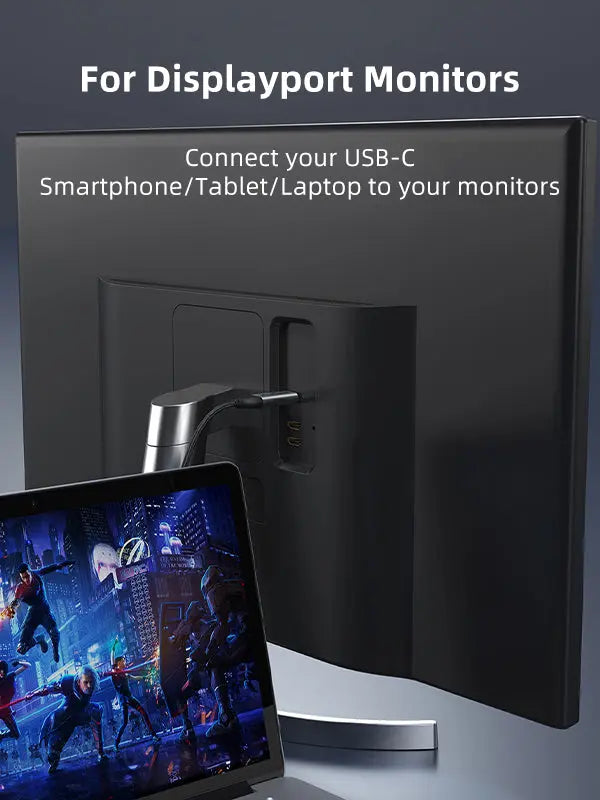
The CABLETIME CT-C160-PU31-CMDP2 is a purpose-built USB-C source to DisplayPort display cable for workstations, creative desks, classrooms and high-refresh Full HD setups. It carries digital video and audio without a separate adapter or driver, provided the USB-C source supports DisplayPort Alternate Mode or Thunderbolt video output.
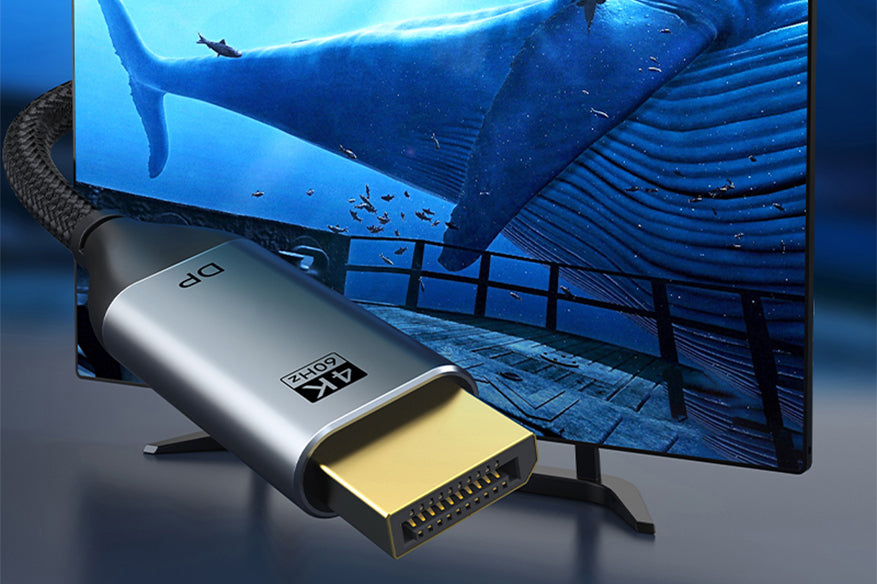
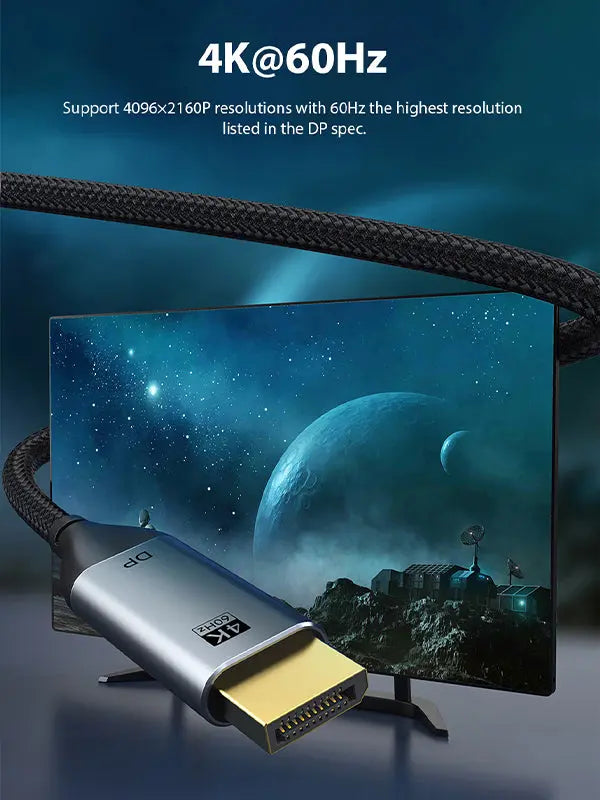
Connect a USB-C laptop directly to a DisplayPort monitor in crisp 4K@60Hz
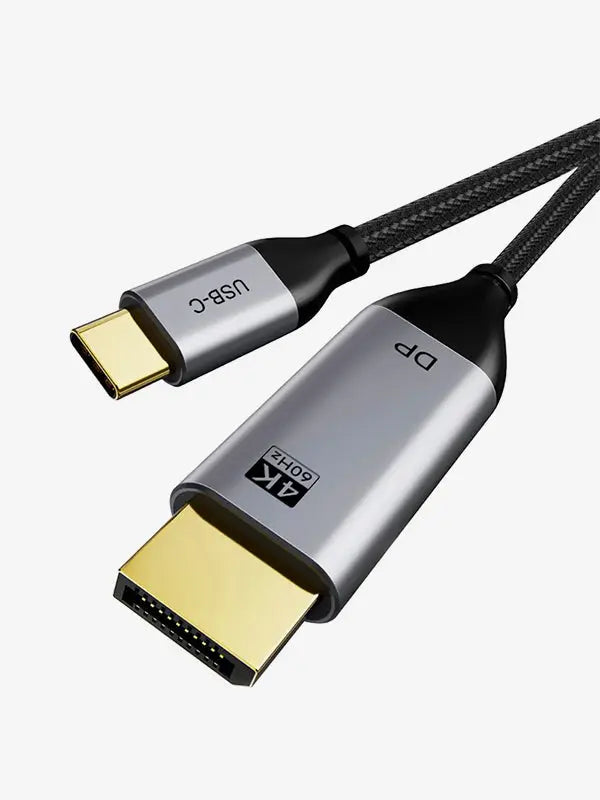
Detailed UHD output for compatible monitors, TVs and projectors.
1080p@120HzSmoother motion for fast desktop use and compatible gaming displays.
Audio + VideoTransfers digital picture and sound through one direct cable.
Plug & PlayNo driver or external power supply is required for normal use.
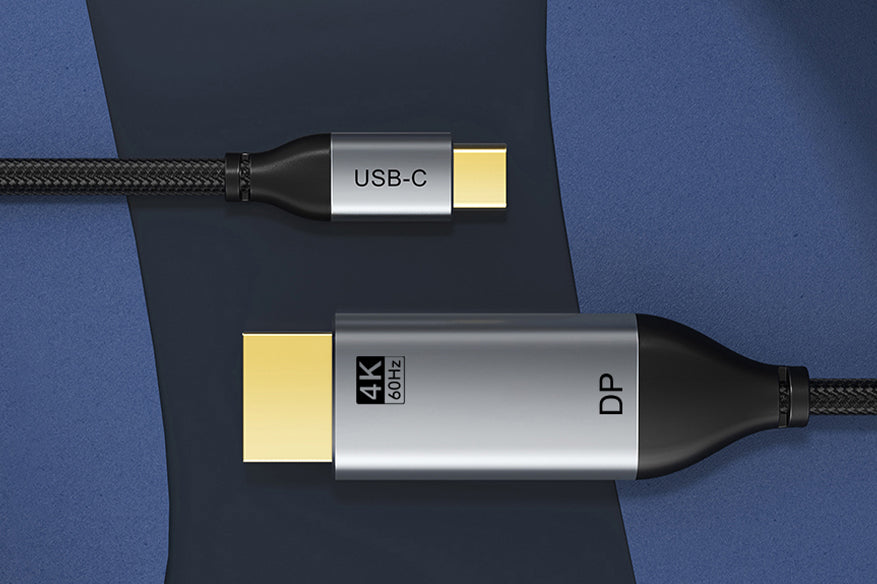
What this cable does—and what it does not do
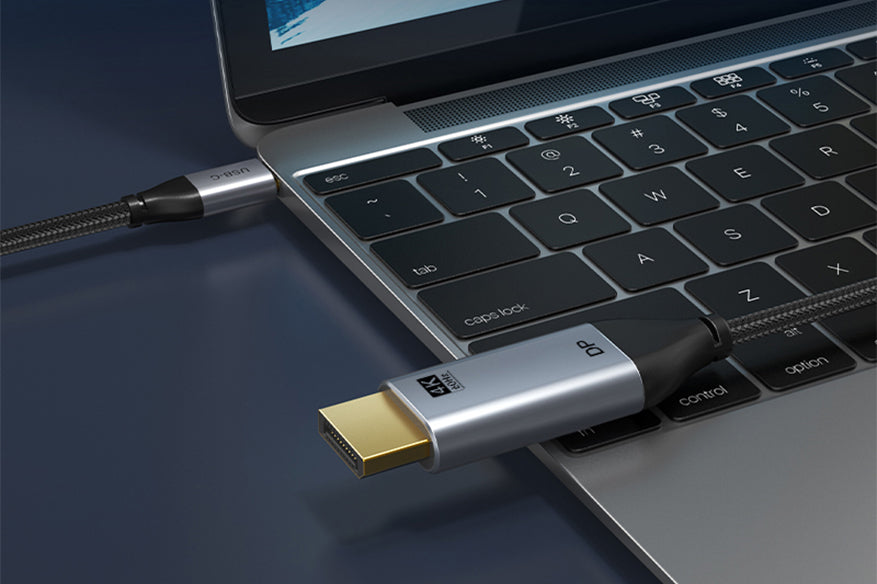
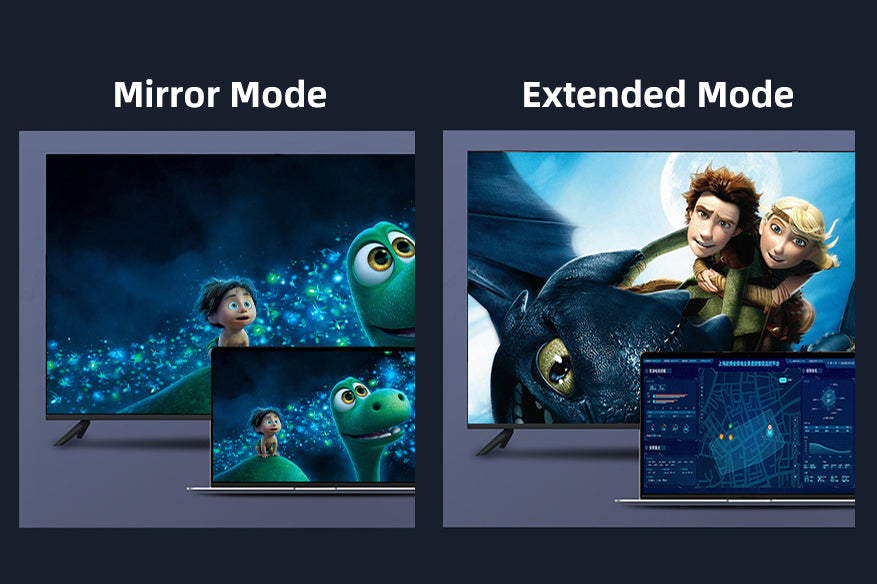
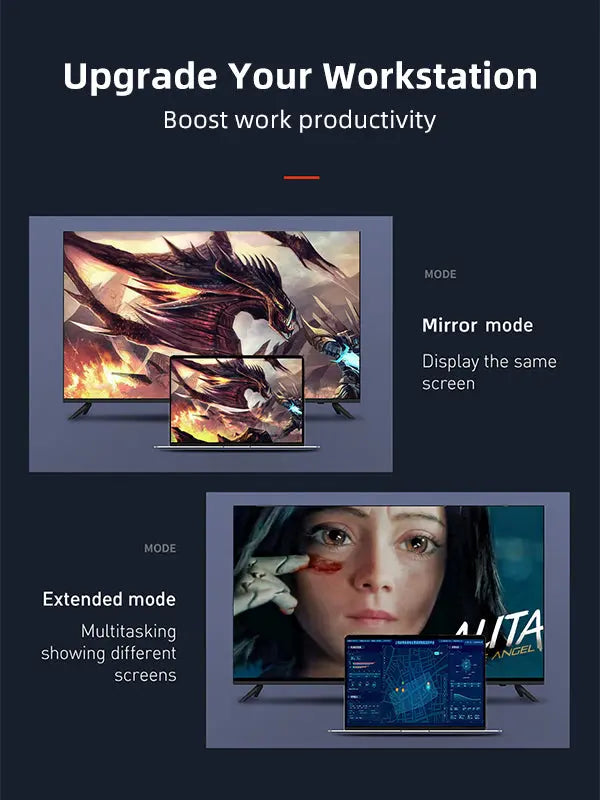
Use it to connect a laptop, tablet, phone or desktop USB-C/Thunderbolt port that can output video to the full-size DisplayPort input of a monitor, projector or compatible TV. It supports mirror and extended-desktop modes, making it practical for presentations, editing, office productivity and an additional desktop screen.
Direction matters: this cable works from USB-C source → DisplayPort display. It is not designed to send a DisplayPort computer signal into a USB-C monitor, and it does not provide USB data transfer or USB-C charging.
Technical specifications
| Input / source connector | USB-C male, gold-plated |
|---|---|
| Output / display connector | DisplayPort male, gold-plated |
| Display standard | DisplayPort 1.2 |
| Supported video | Up to 3840 × 2160 at 60Hz and 1920 × 1080 at 120Hz with compatible equipment |
| Display modes | Mirror and extended desktop; downstream daisy chaining depends on the source, monitor and operating system |
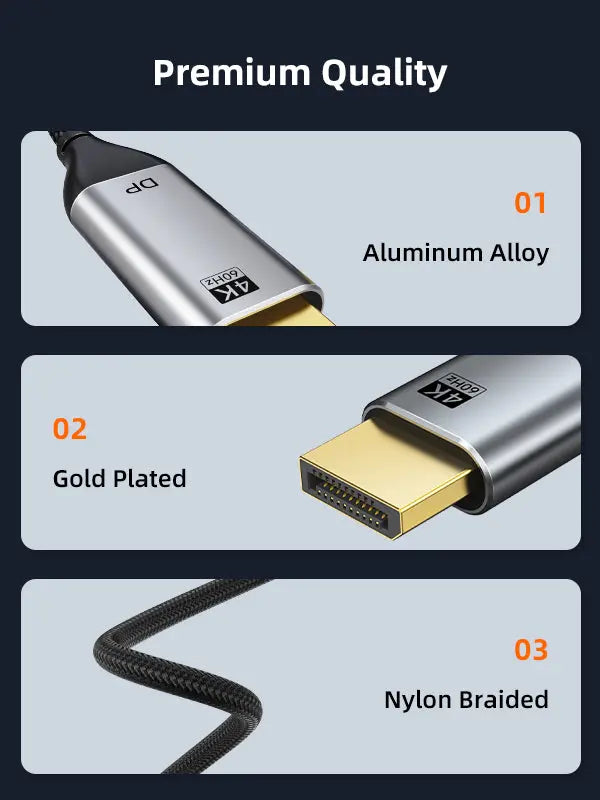
| Construction | Aluminum-alloy connector shell with nylon-braided cable jacket |
| Driver / power | Plug and play; no separate driver or external power adapter normally required |
| 1 metre | Model CC20H — SKU CT-C160-PU31-CMDP2-S1 |
| 1.8 metres | Model CC20K — SKU CT-C160-PU31-CMDP2-S1.8 |
| 3 metres | Model CC20N — SKU CT-C160-PU31-CMDP2-S3 |
USE — how to connect it correctly
- Confirm that the USB-C source supports DisplayPort Alternate Mode or Thunderbolt video output.
- Connect the USB-C plug to the laptop, tablet, phone or desktop.
- Connect the DisplayPort plug to the monitor, projector or TV input.
- Select the DisplayPort input on the display, then choose the required resolution, refresh rate and mirror/extend mode in the operating system.
COMPATIBILITY — check before ordering
Compatible with many USB-C and Thunderbolt-equipped MacBook, Windows laptop, Chromebook, tablet and smartphone models that support video output. The receiving display must have a full-size DisplayPort input.
Not every USB-C port outputs video. A charging-only or data-only USB-C port will not work. Maximum resolution, refresh rate, HDR and multi-monitor behaviour are limited by the source device, graphics hardware, operating system and display.
USER SCENARIOS — practical applications
- Office workstation: extend a laptop desktop onto a larger DisplayPort monitor.
- Creative work: review timelines, photographs, CAD layouts or presentations on a 4K display.
- Education and meetings: connect a compatible USB-C laptop to a DisplayPort projector or room display.
- Smooth Full HD: use 1080p at up to 120Hz when the source and monitor both support it.
FAQ — frequently asked questions
Is it bidirectional?
No. It is designed for USB-C source to DisplayPort display.
Will it charge my laptop?
No. This is a video/audio cable and does not provide USB-C power delivery.
Does it work with a USB-C phone?
Only when the phone supports wired display output through USB-C.
Can it deliver 4K at 60Hz?
Yes, provided the source graphics output and DisplayPort display both support 4K@60Hz.
Does audio pass through the cable?
Yes, when the source and connected display support audio over DisplayPort.
Which length should I select?
Choose the shortest length that comfortably reaches your setup: 1m, 1.8m or 3m.
Supplied with GST invoice, India support and the applicable product warranty. Device support should be verified from the USB-C source specifications before purchase.
Available options
| Option | SKU |
|---|---|
| 1m | CC20H |
| 1.8m | CC20K |
| 3m | CC20N |
Choose your option using the product selector above. Availability is shown for the selected option.
Check the signal path first.
Identify the source and display or capture device, check connector type and conversion direction, then connect and select the correct input. Choose a video mode supported by the complete setup.
Will I always get the maximum listed resolution?
Actual output depends on the source, receiving device, intermediate equipment, selected mode and the length or version you choose. Check any length-specific limits in the product details.
Which length or version should I select?
Use the product selector to choose the required option. Check that option against any model, connector, length or pack-size distinctions in the specifications before ordering.