


CABLETIME USB-C to DisplayPort 1.4 Adapter, 8K@60Hz, 4K@144Hz & 2K@240Hz

USB-C to DisplayPort 1.4 Adapter, 8K@60Hz, 4K@144Hz & 2K@240Hz
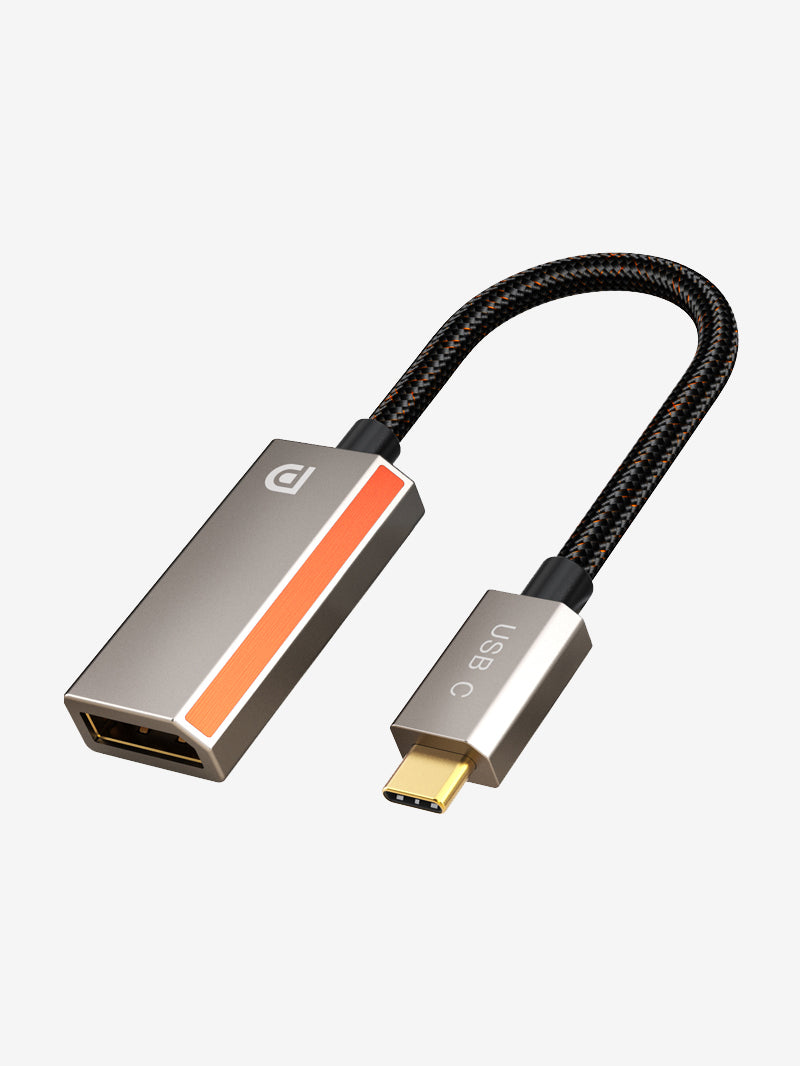
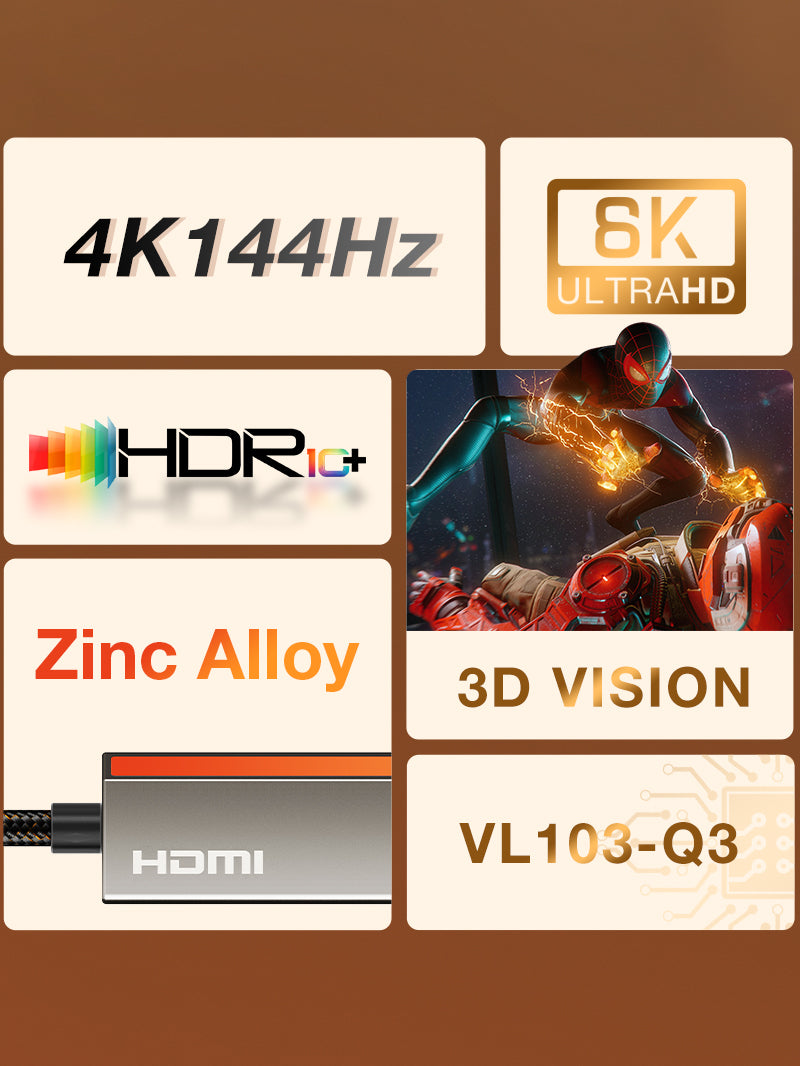
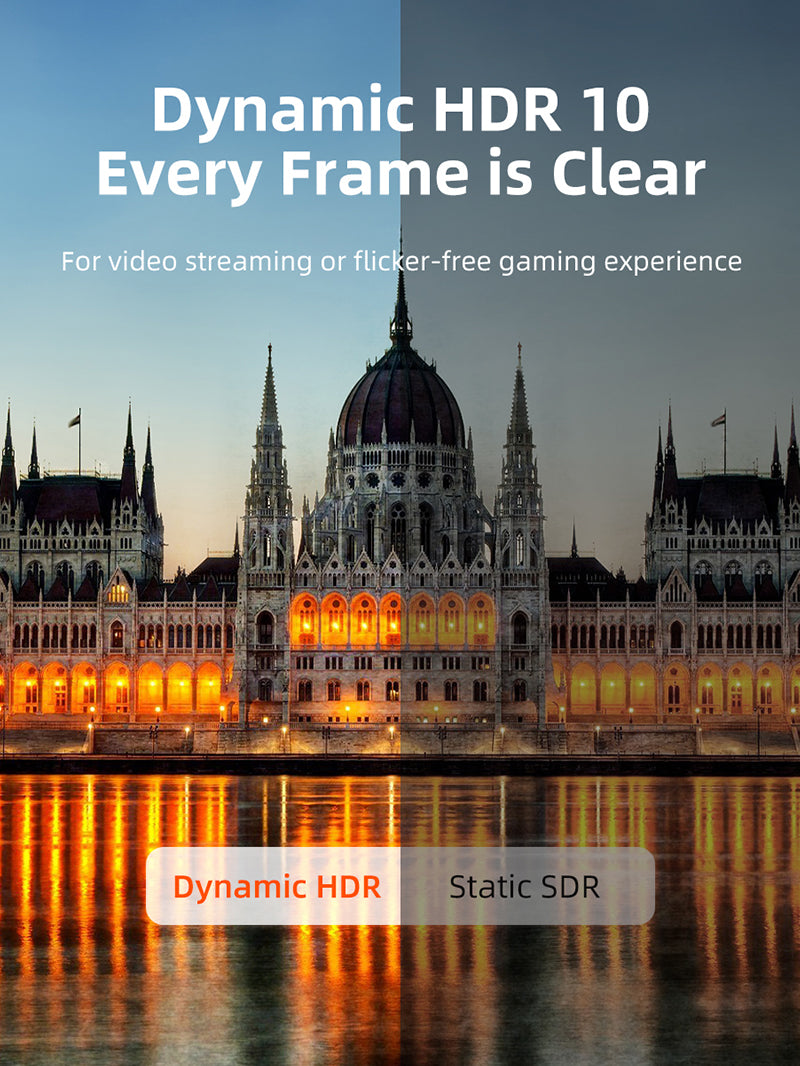
Designed for modern USB-C, USB4 and Thunderbolt sources, this active adapter connects to a DisplayPort monitor or projector. With compatible hardware it supports 8K@60Hz, 4K@144Hz or 2K@240Hz and HDR for detailed work and responsive gaming.
Unlock 8K detail and high-refresh DisplayPort from one USB-C port
Direction and performance requirements
Use this adapter from a USB-C or Thunderbolt source to a full-size DisplayPort cable and display. The source must output video over USB-C. It is not a USB data hub, charging adapter or reverse DisplayPort-to-USB-C converter. Apple silicon and older platforms may be limited to 4K@60Hz even though the adapter supports higher modes.
Technical specifications
| Input | USB-C male, gold-plated |
|---|---|
| Output | DisplayPort female |
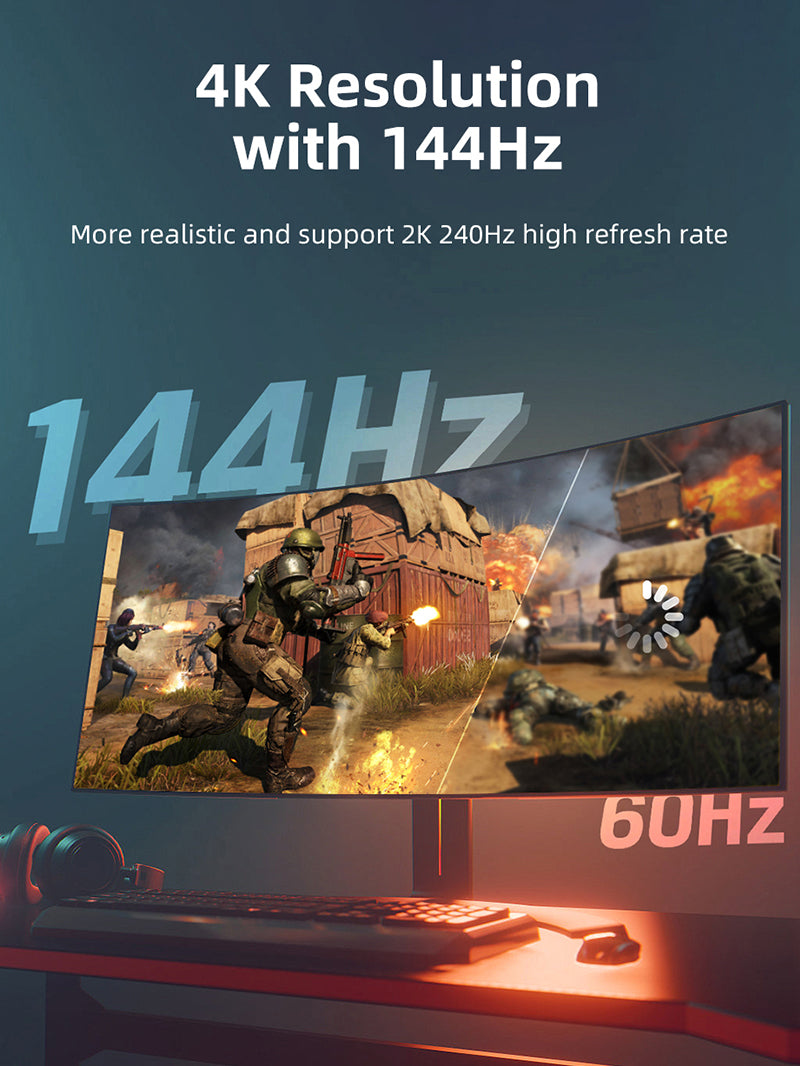
| Maximum video | Up to 8K@60Hz, 4K@144Hz or 2K@240Hz with compatible source and display |
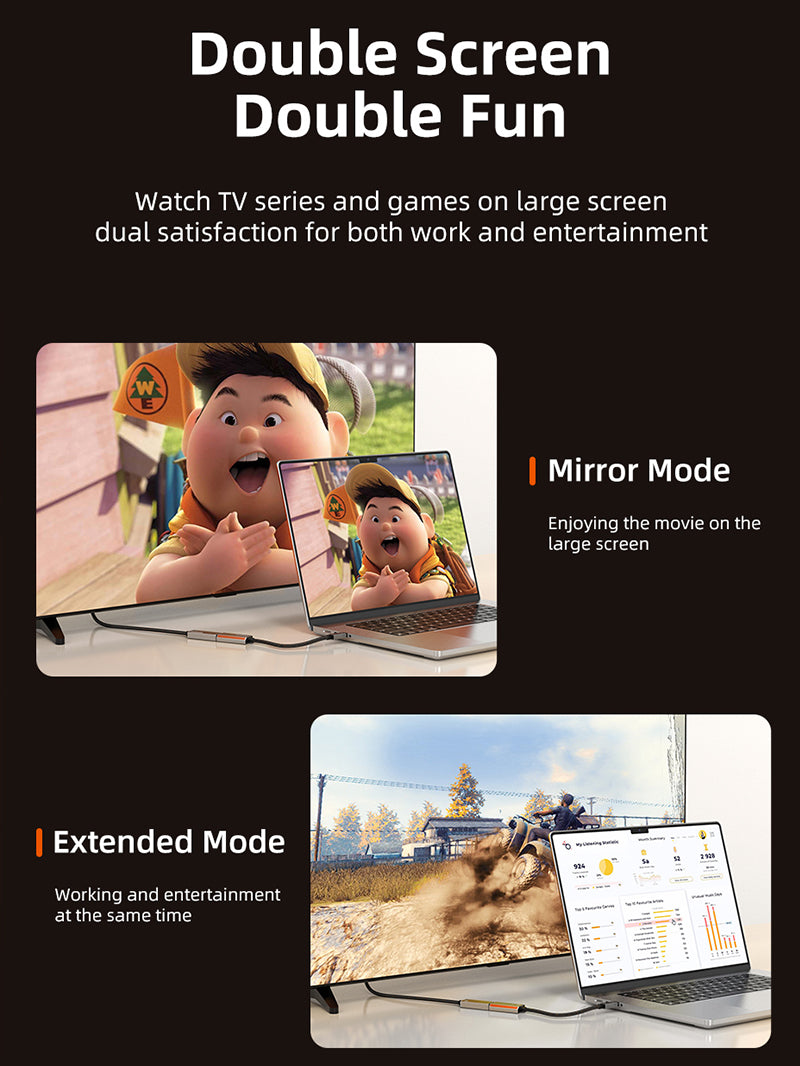
| Features | HDR10, mirror and extended desktop, plug-and-play |
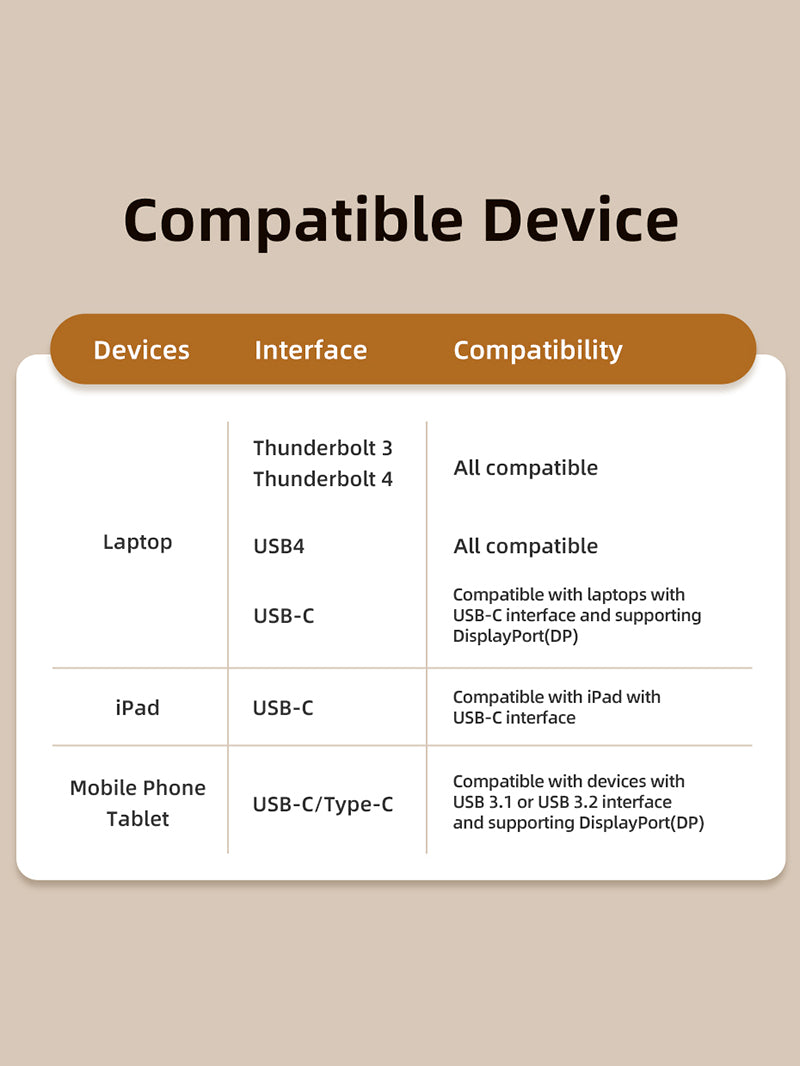
| Port requirement | USB-C DisplayPort Alternate Mode, USB4 or Thunderbolt video output |
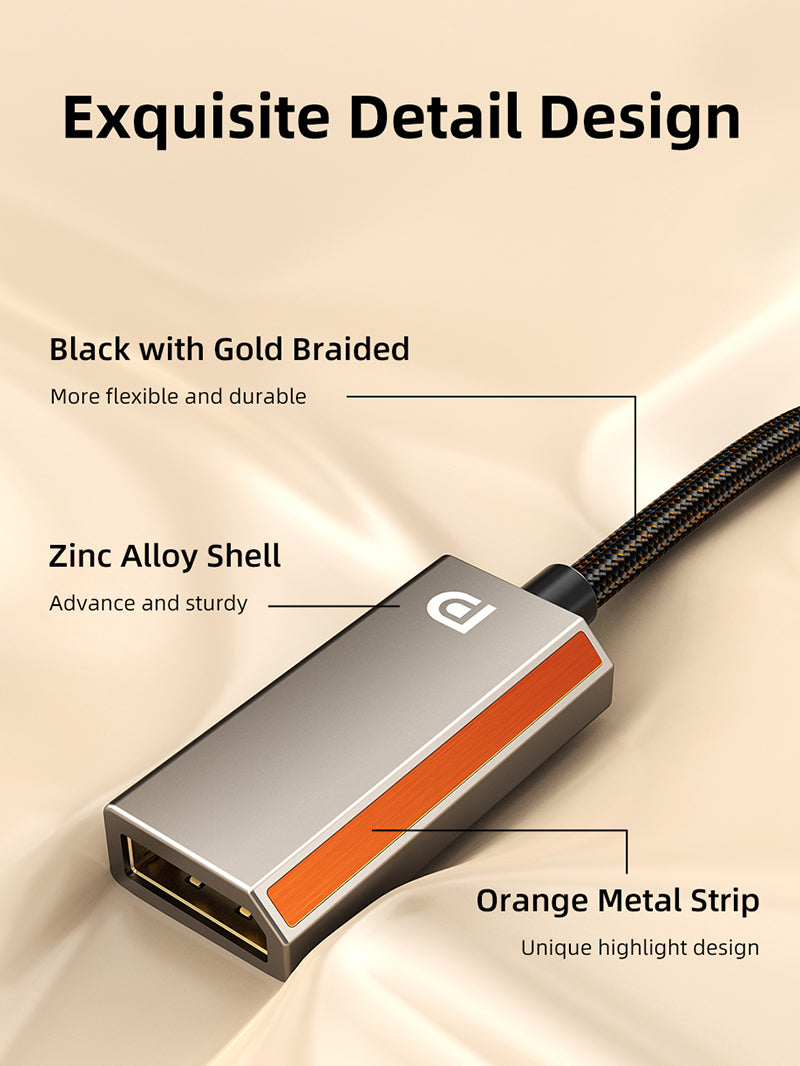
| Construction | Zinc-alloy shell with braided short lead |
| Model / SKU | CP16A / CT-CMDF8K-ZG |
USE
- Verify USB-C video output and the desired DisplayPort version.
- Connect the adapter to the source.
- Connect a suitable DisplayPort cable to the monitor.
- Select the input and configure resolution and refresh rate.
COMPATIBILITY
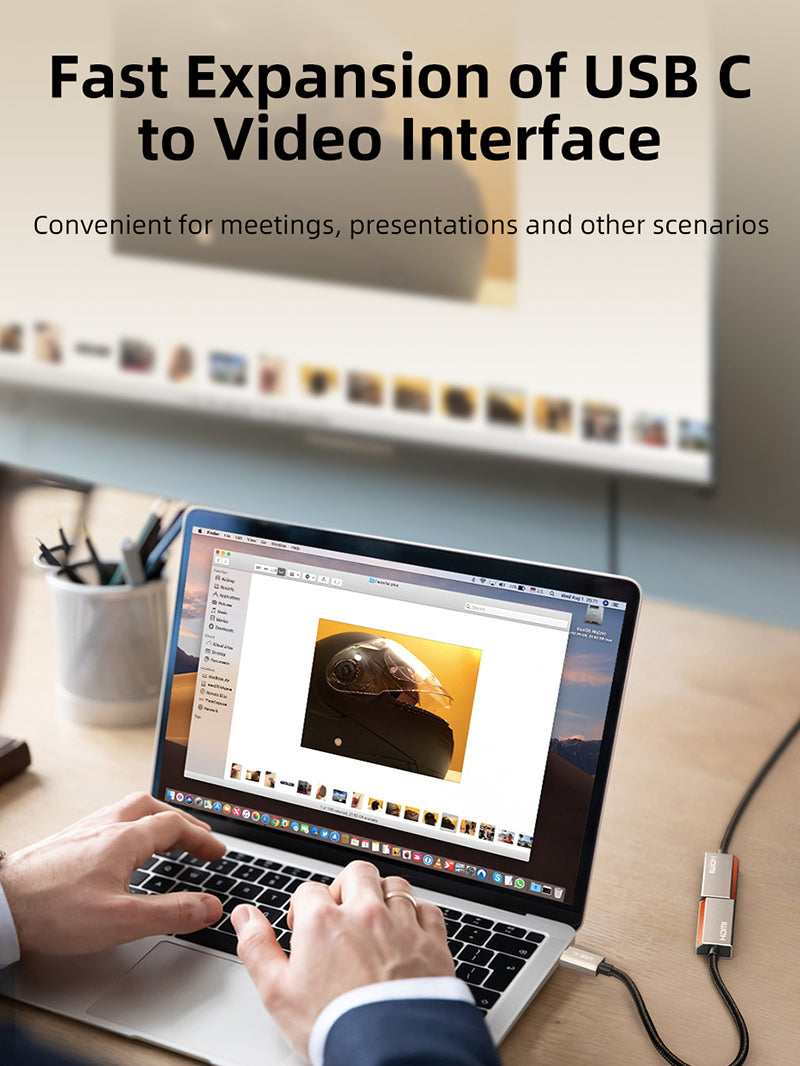
Suitable for compatible MacBook, Windows laptop, desktop USB-C/Thunderbolt ports, selected tablets and phones, and full-size DisplayPort monitors. 8K@60Hz and 4K@144Hz generally require DP 1.4-capable hardware; older Intel systems and many Apple M-series combinations may top out at 4K@60Hz.
USER SCENARIOS
- High-refresh gaming monitors
- Detailed creative, 3D and CAD work
- DisplayPort conference-room projectors
- Portable USB-C workstation kits
FAQ
Does every laptop support 8K?
No. The GPU, USB-C port, cable and display must all support the required mode.
Will it work in reverse?
No. USB-C source to DisplayPort display only.
Can it charge?
No. There is no power-delivery input.
GST invoice, India support and applicable warranty.
Check the signal path first.
Identify the source and display or capture device, check connector type and conversion direction, then connect and select the correct input. Choose a video mode supported by the complete setup.
Will I always get the maximum listed resolution?
Actual output depends on the source, receiving device, intermediate equipment, selected mode and the length or version you choose. Check any length-specific limits in the product details.
Which length or version should I select?
Use the product selector to choose the required option. Check that option against any model, connector, length or pack-size distinctions in the specifications before ordering.