


CABLETIME DisplayPort 1.4 Cable 32.4Gbps, 8K@60Hz & 4K@120Hz

DisplayPort 1.4 Cable 32.4Gbps, 8K@60Hz & 4K@120Hz
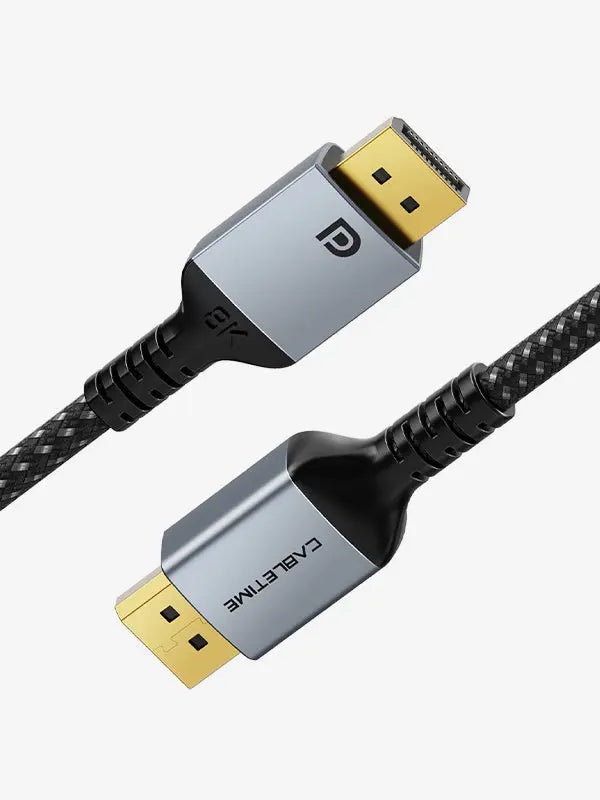
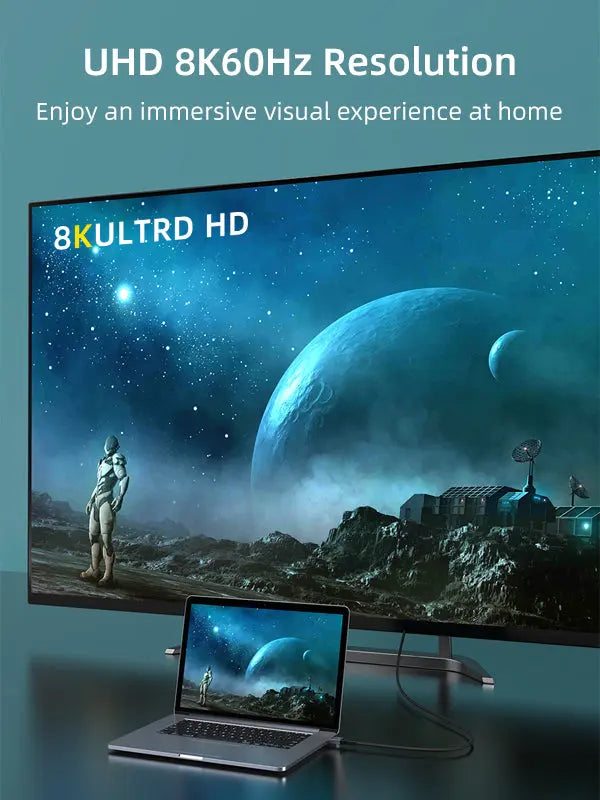
Connect a full-size DisplayPort source directly to a DisplayPort monitor, television or projector. The 32.4Gbps DP 1.4 link supports high-resolution video, audio, HDR and smooth refresh rates when the graphics source and display provide the same capability.
High-bandwidth DisplayPort for 8K detail and high-refresh gaming
What it does — and the limits to check
This is a passive DisplayPort male-to-male cable for a DisplayPort source and DisplayPort display. It does not convert HDMI or USB-C. Resolution, refresh rate, HDR, DSC and adaptive-sync behaviour are governed by the GPU, operating system and display.
Technical specifications
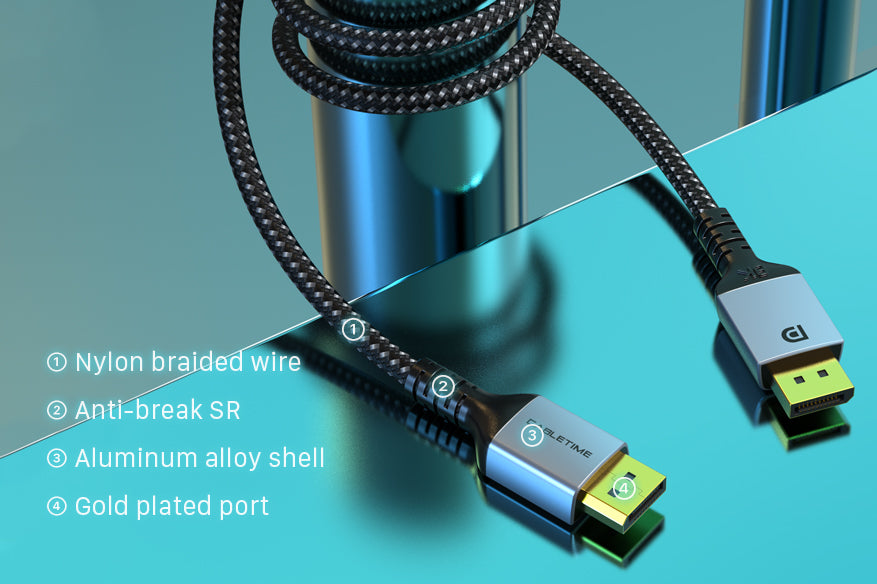
| Connection | DisplayPort male to DisplayPort male, gold-plated |
|---|---|
| Standard | DisplayPort 1.4; backward compatible with earlier DisplayPort versions |
| Bandwidth | Up to 32.4Gbps |
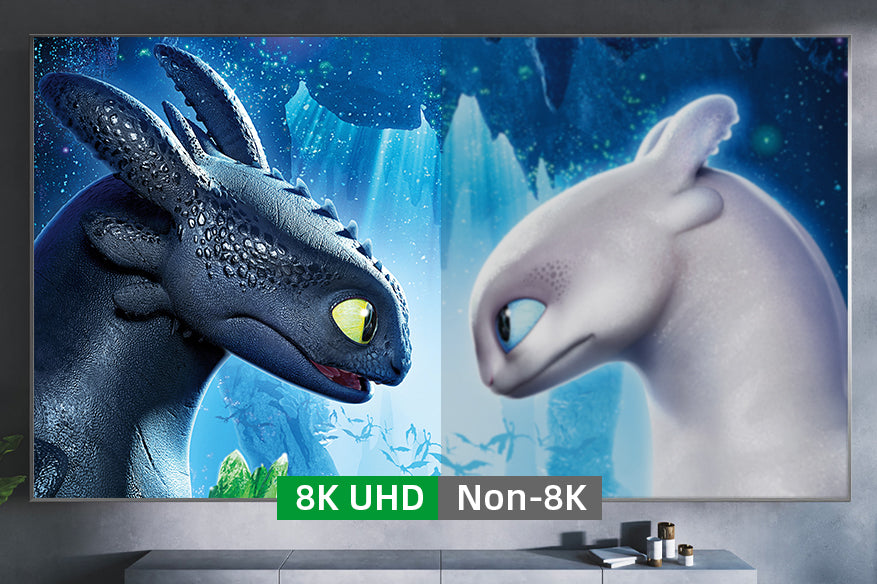
| Video | Up to 8K@60Hz and 4K@120Hz with compatible equipment; lower resolutions and higher-refresh combinations depend on the source and display |
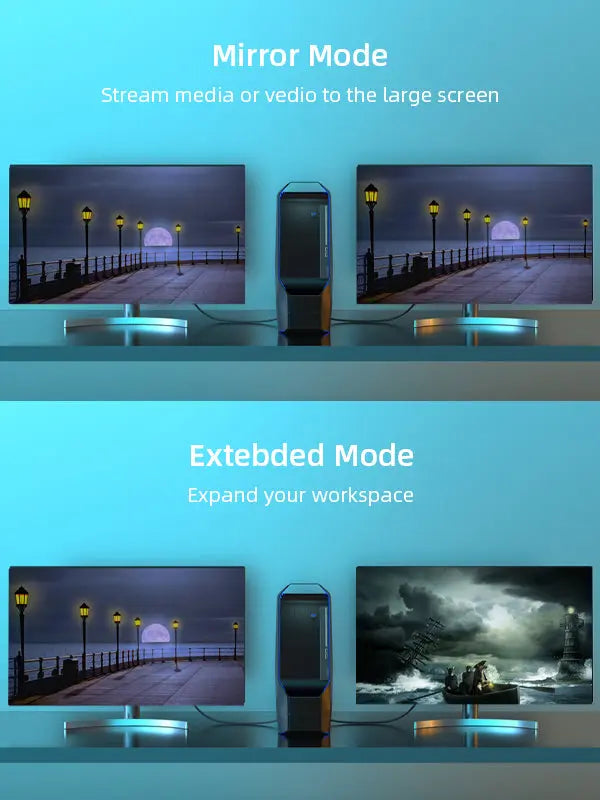
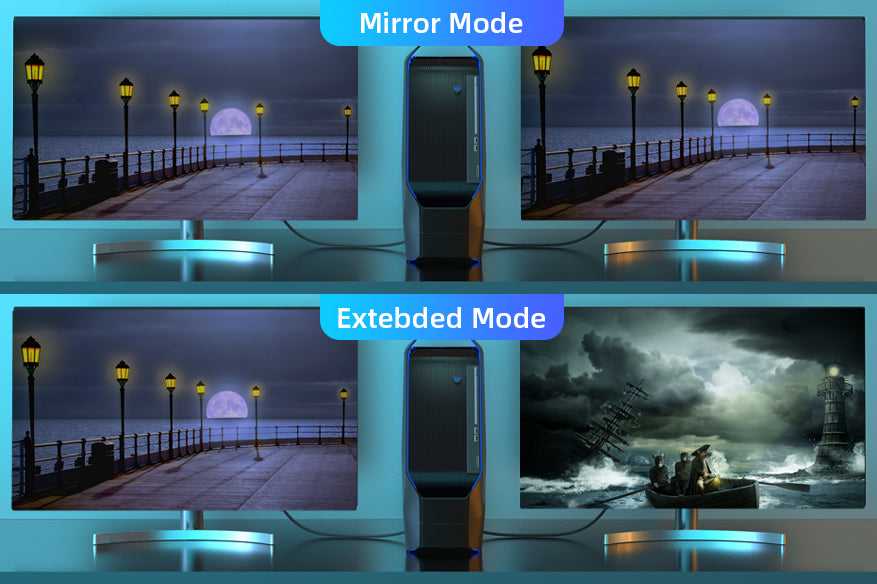
| Features | Digital audio, HDR, mirror and extended display modes |
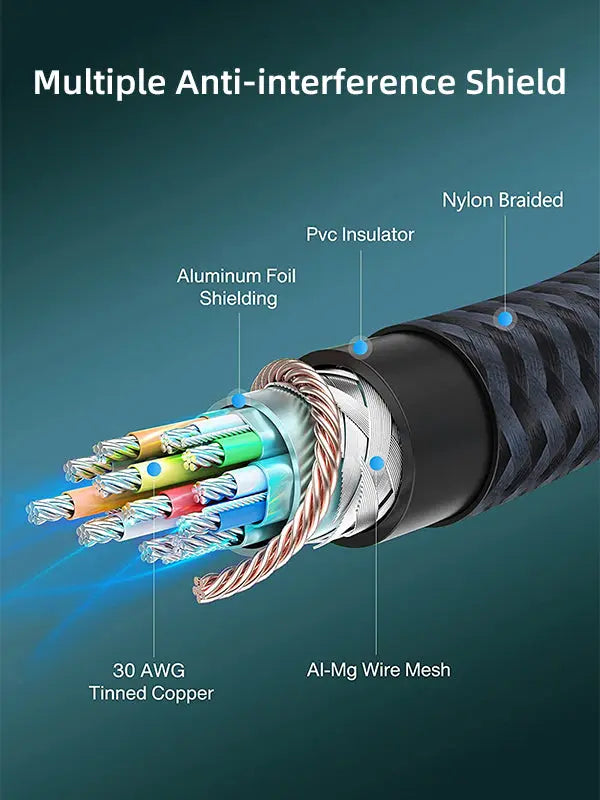
| Construction | Aluminum connector housing with nylon-braided cable jacket |
| Variants | 1m CT-DP8K-AG1; 2m CT-DP8K-AG2; 3m CT-DP8K-AG3; 5m CT-DP8K-AG5 |
USE — how to connect it correctly
- Connect one plug to the DisplayPort output of the desktop, graphics card, workstation or dock.
- Connect the other plug to the monitor or projector DisplayPort input.
- Select the correct input and configure resolution and refresh rate in the display or graphics settings.
COMPATIBILITY — check before ordering
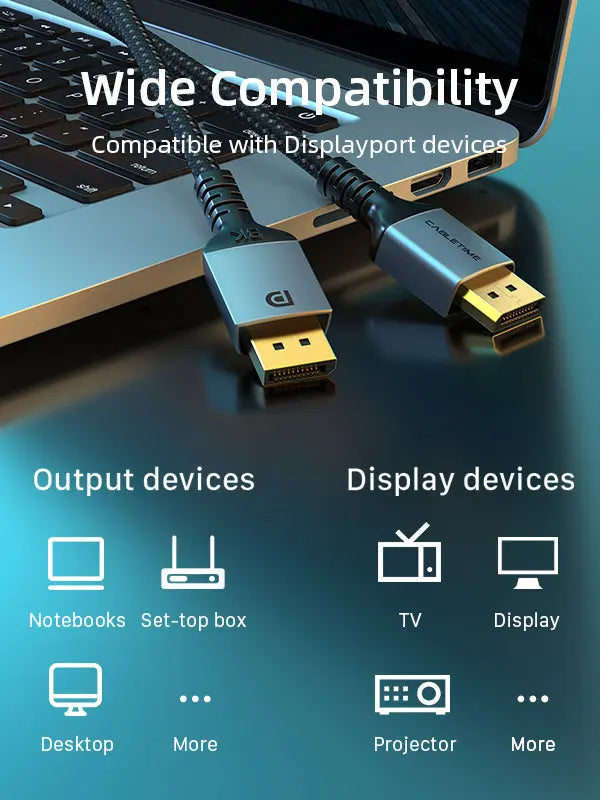
Suitable for full-size DisplayPort ports on gaming PCs, graphics cards, workstations, monitors and projectors. Check that both ends are DisplayPort, not HDMI, Mini DisplayPort or USB-C.
Performance note: 8K and high-refresh 4K require compatible DP 1.4 hardware and, where applicable, DSC support.
USER SCENARIOS — where it adds value
- Gaming: connect a GPU to a high-refresh monitor.
- Creation: edit high-resolution timelines, photographs and CAD layouts.
- Productivity: mirror a presentation or extend the desktop.
- Home entertainment: send digital video and audio from a DisplayPort PC.
FAQ — frequently asked questions
Can it run 8K at 60Hz?
Yes, when both the source and display support the required DisplayPort mode and settings.
Does it carry audio?
Yes, when the source and display support audio over DisplayPort.
Can I connect it to HDMI?
No. A suitable active converter is required for an HDMI connection.
Which length should I choose?
Select the shortest length that comfortably reaches the equipment: 1m, 2m, 3m or 5m.
GST invoice, India support and the applicable product warranty. Maximum performance depends on the complete source–cable–display chain.
Available options
| Option | SKU |
|---|---|
| 1m | CD11H |
| 2m | CD11L |
| 3m | CD11N |
| 5m | CD11P |
Choose your option using the product selector above. Availability is shown for the selected option.
Check the signal path first.
Identify the source and display or capture device, check connector type and conversion direction, then connect and select the correct input. Choose a video mode supported by the complete setup.
Will I always get the maximum listed resolution?
Actual output depends on the source, receiving device, intermediate equipment, selected mode and the length or version you choose. Check any length-specific limits in the product details.
Which length or version should I select?
Use the product selector to choose the required option. Check that option against any model, connector, length or pack-size distinctions in the specifications before ordering.