


CABLETIME HDMI 2.1 Right-Angle Adapter, 8K@60Hz & 4K@120Hz, 4 Orientations

HDMI 2.1 Right-Angle Adapter, 8K@60Hz & 4K@120Hz, 4 Orientations
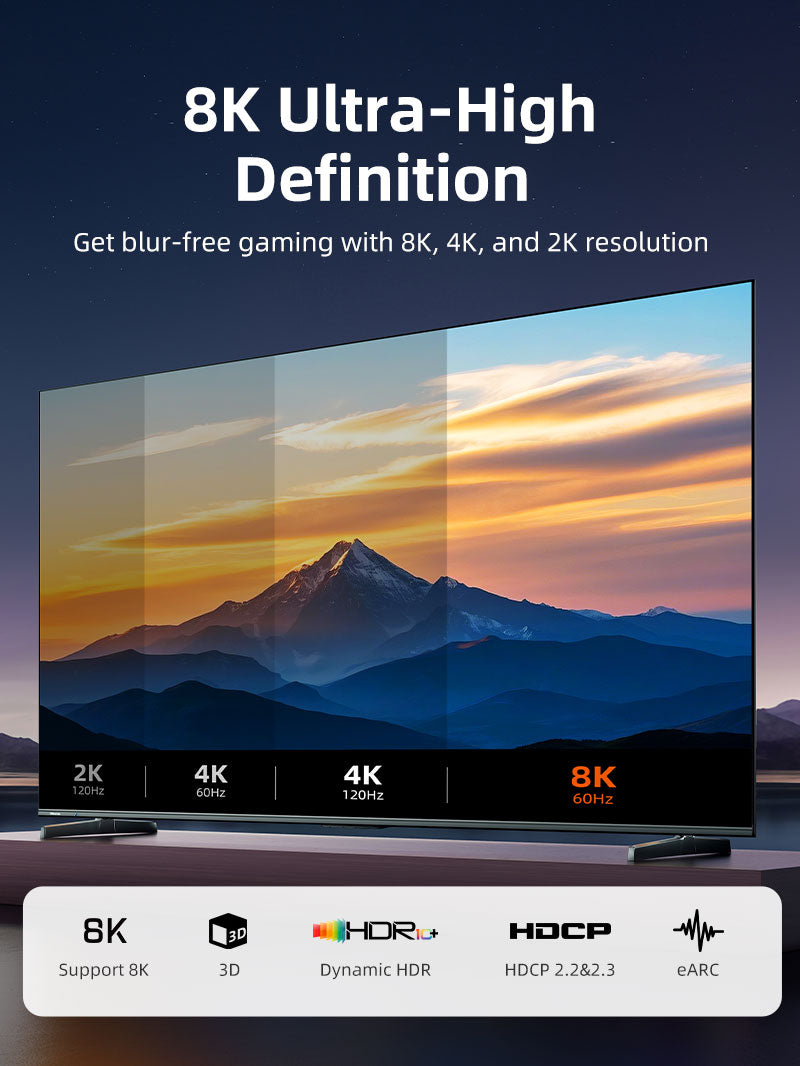
Choose 90°, 270°, left-angle or right-angle orientation to suit the physical direction of the HDMI port. Compatible chains can support 48Gbps, 8K@60Hz and 4K@120Hz.
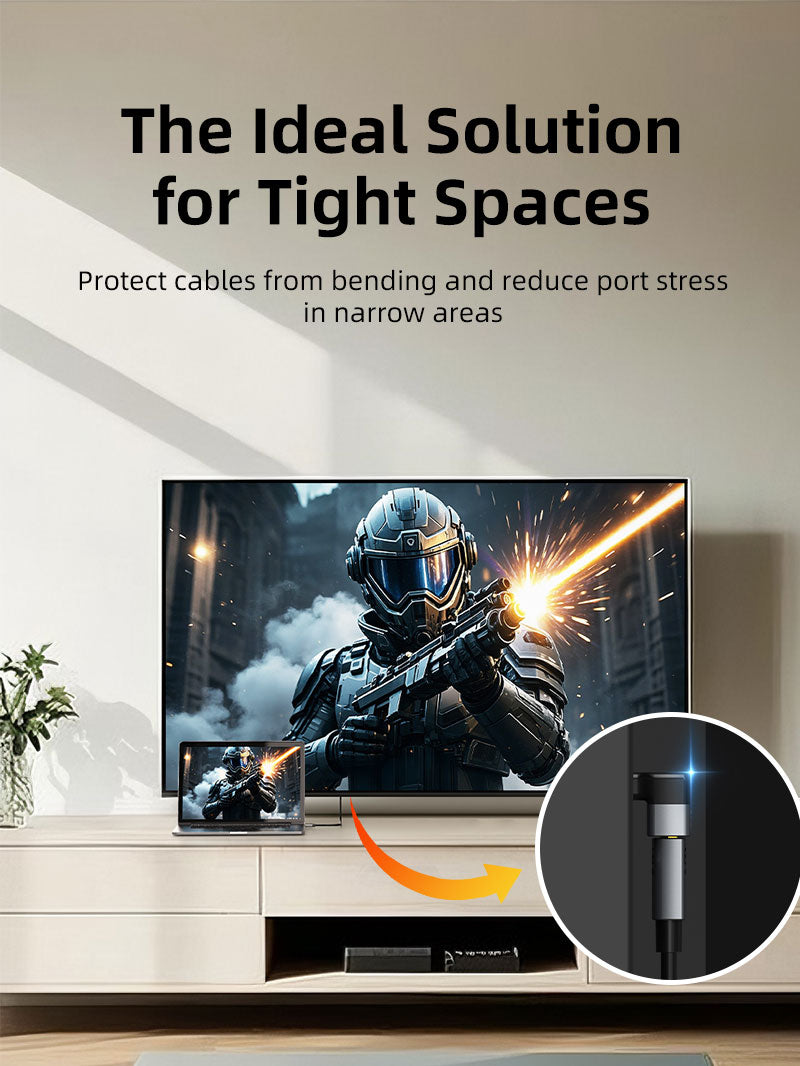
Route an HDMI cable cleanly in tight spaces without sharp bends
48GbpsHDMI 2.1 bandwidth8K@60HzMaximum compatible resolution4K@120HzHigh-refresh gaming4 DirectionsMatch port orientation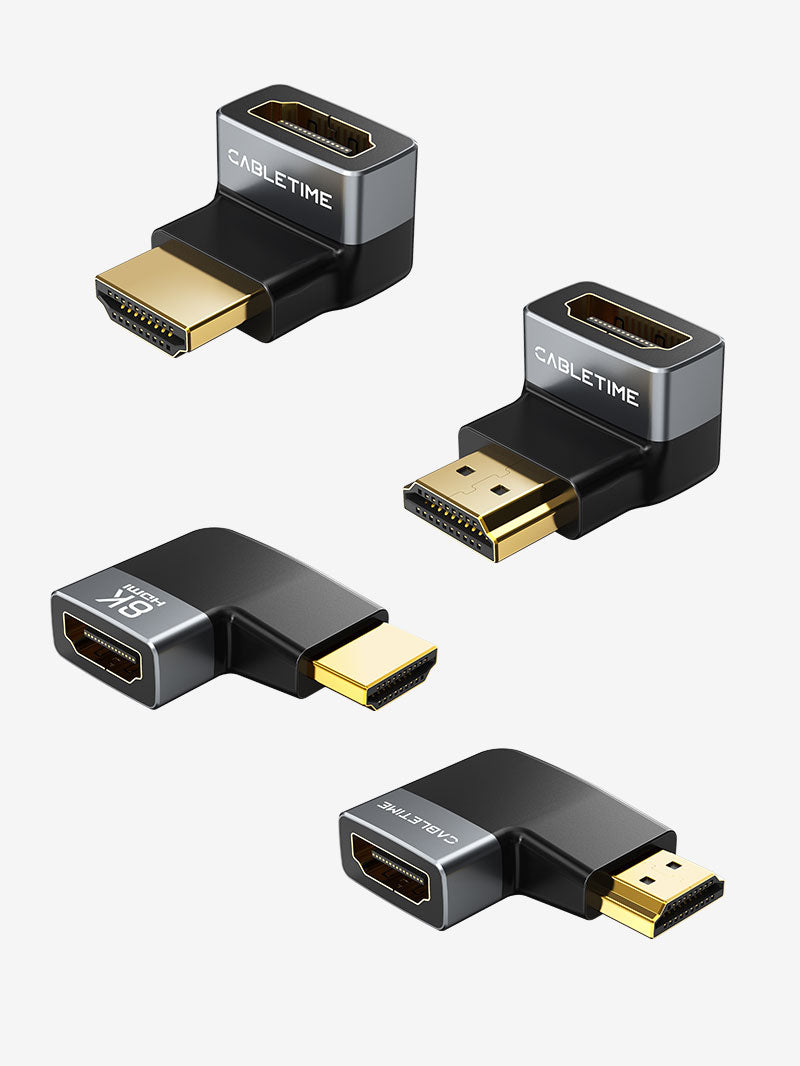
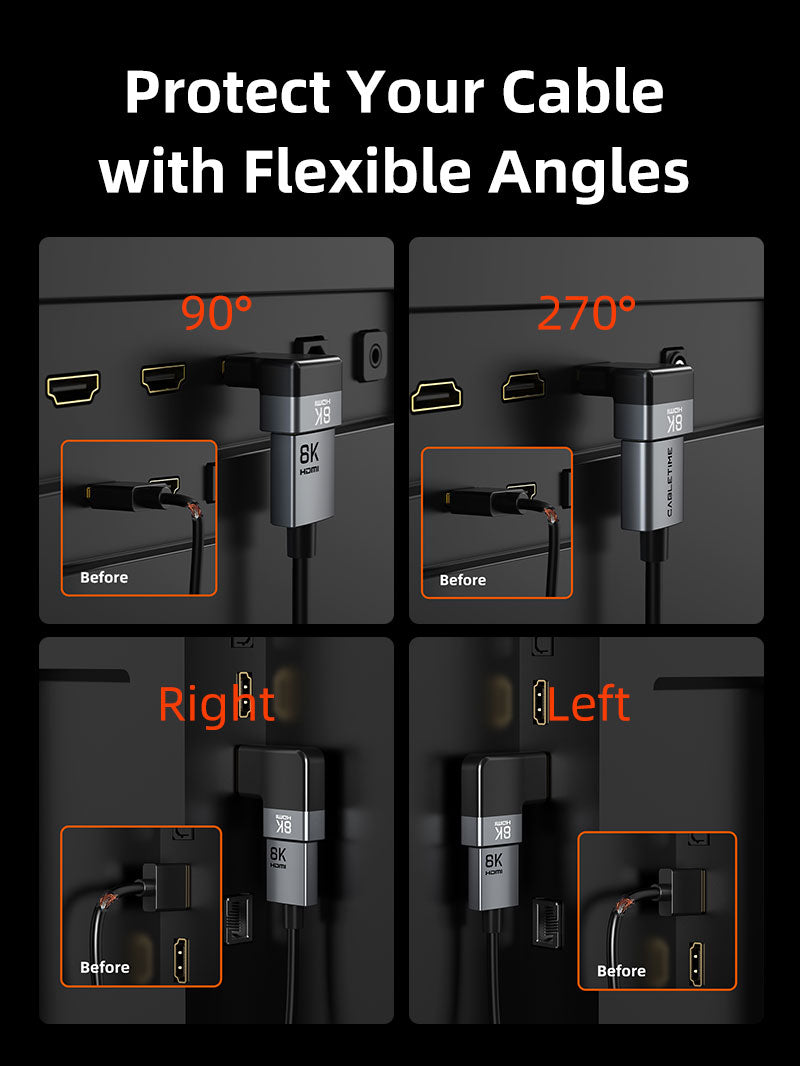
Choose orientation before ordering
HDMI port orientation differs by television, monitor, console and graphics card. View the port from the correct side and select the adapter that routes the cable in the desired direction. The adapter does not convert the HDMI signal.
| Connection | HDMI male to HDMI female |
|---|---|
| Maximum modes | Up to 8K@60Hz, 4K@120Hz, 48Gbps |
| Options | 90°, 270°, left-angle, right-angle |
| SKUs | AGU / AGD / AGL / AGR |
USE
- Inspect the HDMI port and available clearance.
- Select the matching orientation.
- Insert without force.
- Connect the HDMI cable and test the required mode.
COMPATIBILITY
For standard HDMI ports on TVs, monitors, projectors, consoles, PCs, AV receivers and media players. The complete chain must support the desired bandwidth.
USER SCENARIOS
- Wall-mounted TV
- Monitor close to a wall
- Console cabinet
- Graphics-card cable management
FAQ
Which direction? Match the physical port orientation shown in the product images.
Signal converter? No.
Guaranteed 8K? Only with a fully compatible HDMI 2.1 chain.
GST invoice, India support and applicable warranty.

Available options
| Option | SKU |
|---|---|
| 90 Degree | CP41G |
| 270 Degree | CP42G |
| Left Angle | CP43G |
| Right Angle | CP44G |
Choose your option using the product selector above. Availability is shown for the selected option.
Check the signal path first.
Identify the source and display or capture device, check connector type and conversion direction, then connect and select the correct input. Choose a video mode supported by the complete setup.
Will I always get the maximum listed resolution?
Actual output depends on the source, receiving device, intermediate equipment, selected mode and the length or version you choose. Check any length-specific limits in the product details.
Which length or version should I select?
Use the product selector to choose the required option. Check that option against any model, connector, length or pack-size distinctions in the specifications before ordering.