


CABLETIME DisplayPort to HDMI Adapter, 4K@60Hz / 4K@30Hz

DisplayPort to HDMI Adapter, 4K@60Hz / 4K@30Hz
Connect a DisplayPort computer or graphics card to an HDMI monitor, TV or projector. Select the 4K@60Hz or 4K@30Hz version by exact SKU.
Choose the exact DisplayPort-to-HDMI performance your setup needs
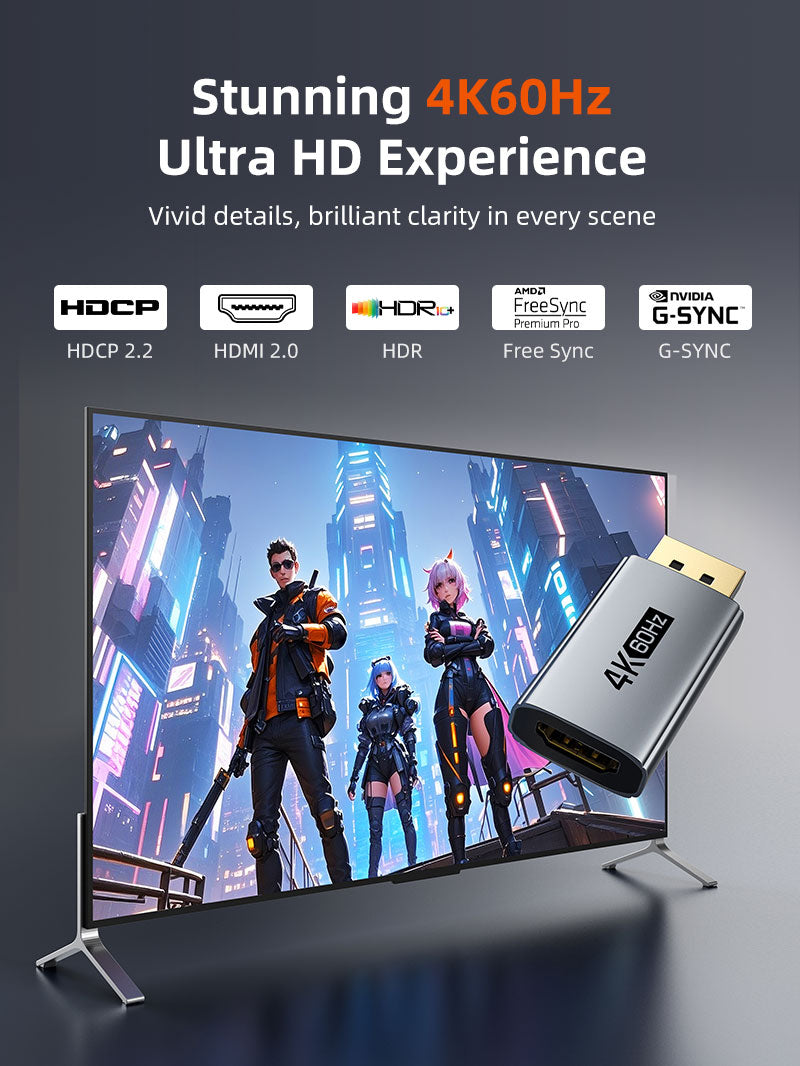
4K@60HzCT-DMHF4K-AG64K@30HzCT-DMHF4K-AG3HDR10Compatible HDR chainMirror / ExtendCommon desktop modes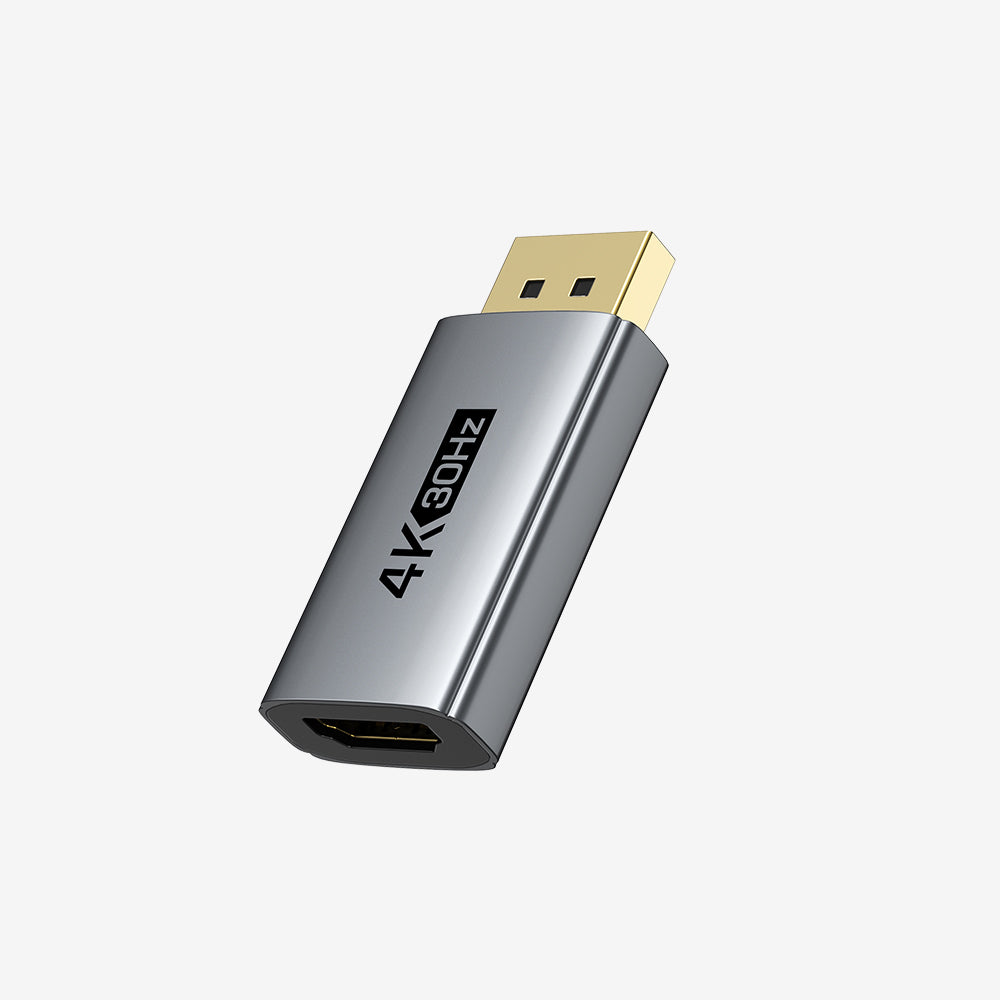
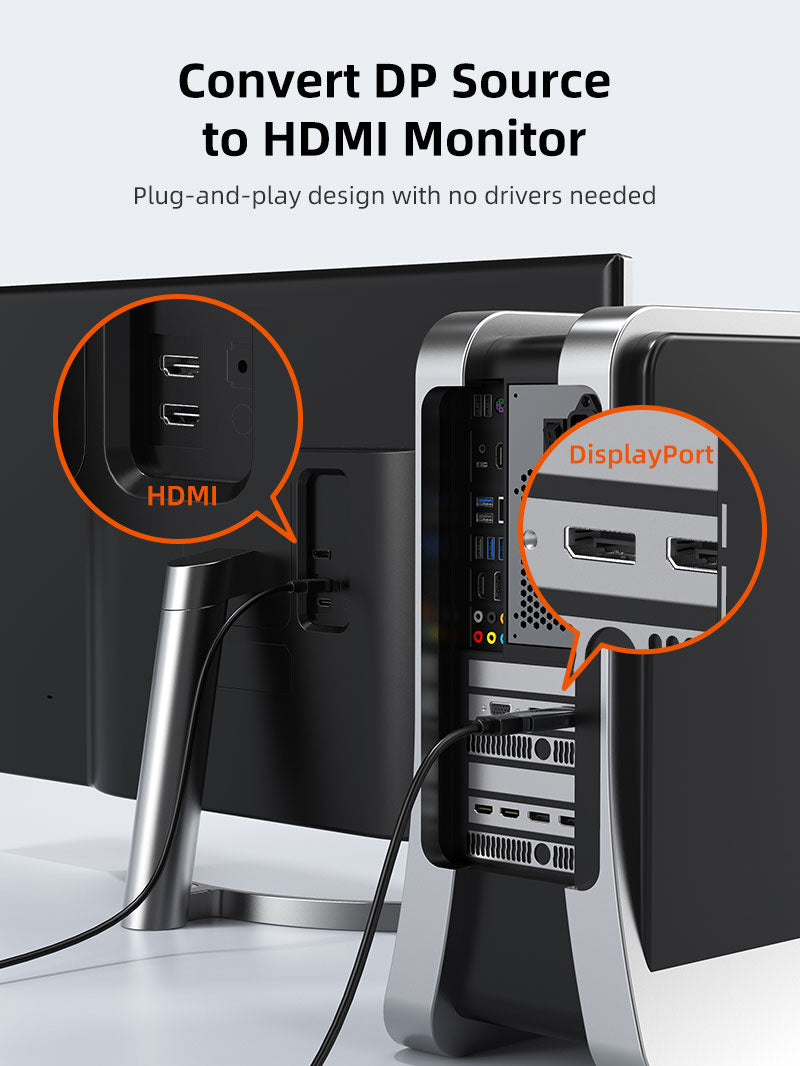
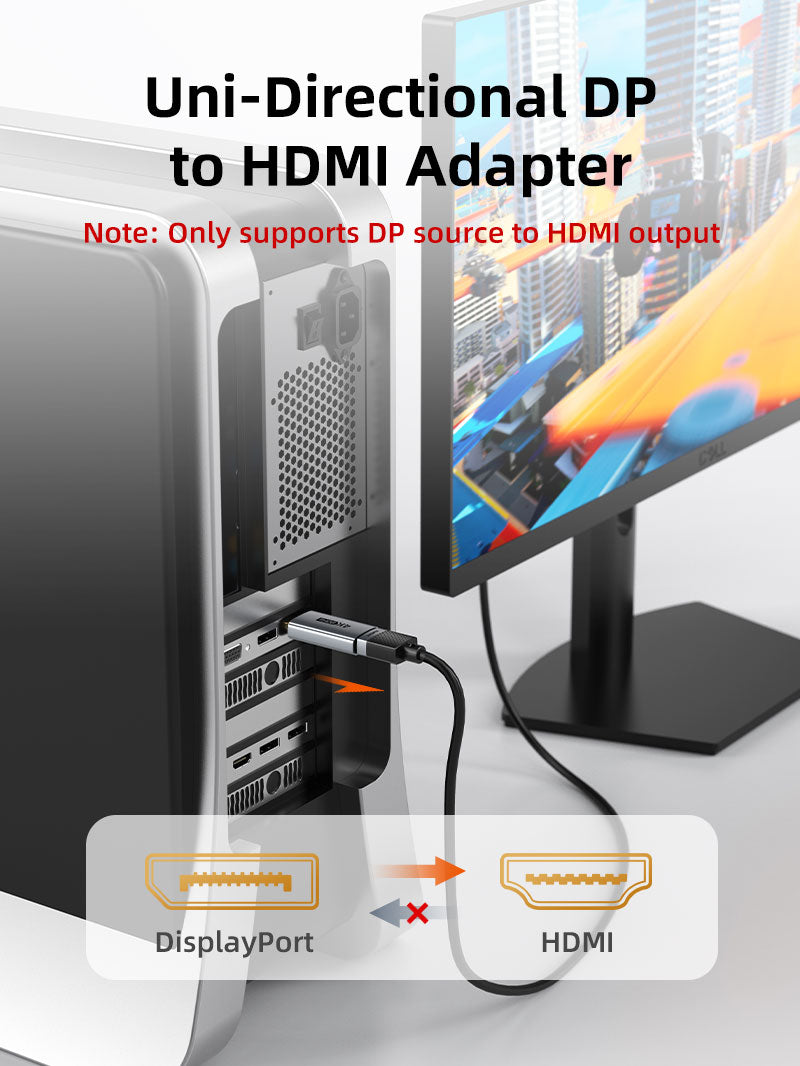
Direction matters
This family is unidirectional from DisplayPort source to HDMI display. It does not convert HDMI to DisplayPort. Maximum resolution, refresh rate, HDR and adaptive-sync behaviour depend on the selected variant and the complete source–adapter–HDMI cable–display chain.
| Input / Output | DisplayPort male to HDMI female |
|---|---|
| 4K@60Hz option | CP21A / CT-DMHF4K-AG6 |
| 4K@30Hz option | CP22A / CT-DMHF4K-AG3 |
| Construction | Aluminium housing and short braided lead |
USE
- Select the required resolution variant.
- Connect DisplayPort to the source.
- Connect an HDMI cable and display.
- Select the HDMI input and configure display settings.
COMPATIBILITY
For full-size DisplayPort outputs on PCs, graphics cards, workstations and docks, and HDMI monitors, TVs and projectors.
USER SCENARIOS
- Office monitor
- Projector presentation
- Gaming PC to HDMI display
- Home-theatre PC output
FAQ
Which SKU is 4K@60Hz? CT-DMHF4K-AG6.
Bidirectional? No.
Driver needed? Normally no; the graphics source must support the output mode.
GST invoice, India support and applicable warranty.

Available options
| Option | SKU |
|---|---|
| 4K@60Hz | CP21A |
| 4K@30Hz | CP22A |
Choose your option using the product selector above. Availability is shown for the selected option.
Check the signal path first.
Identify the source and display or capture device, check connector type and conversion direction, then connect and select the correct input. Choose a video mode supported by the complete setup.
Will I always get the maximum listed resolution?
Actual output depends on the source, receiving device, intermediate equipment, selected mode and the length or version you choose. Check any length-specific limits in the product details.
Which length or version should I select?
Use the product selector to choose the required option. Check that option against any model, connector, length or pack-size distinctions in the specifications before ordering.