


CABLETIME Active DisplayPort 1.4 to HDMI 2.1 Adapter, 8K@60Hz & 4K@144Hz

Active DisplayPort 1.4 to HDMI 2.1 Adapter, 8K@60Hz & 4K@144Hz
The VMM7100 active chipset links a DisplayPort graphics source to a high-bandwidth HDMI display, supporting 8K@60Hz, 4K@144Hz or 2K@240Hz with compatible equipment.
Convert DisplayPort 1.4 to HDMI 2.1 at up to 8K@60Hz
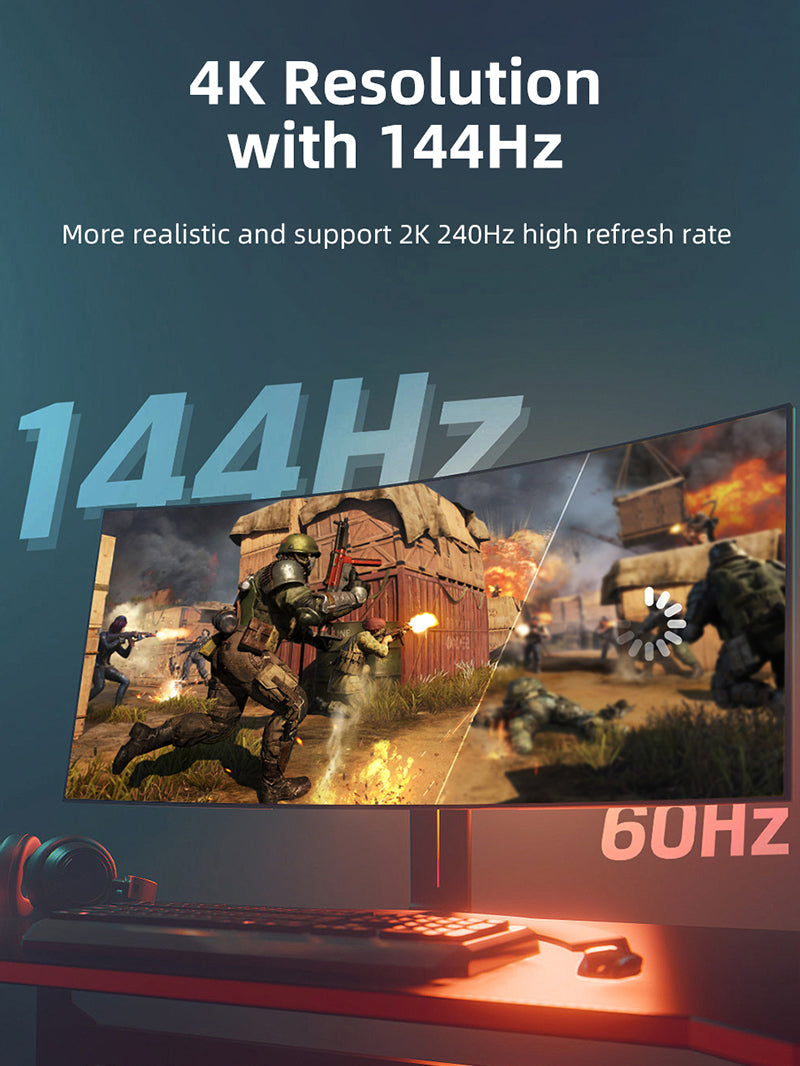
8K@60HzMaximum compatible resolution4K@144HzHigh-refresh 4K output2K@240HzFast gaming displaysHDR10Compatible HDR video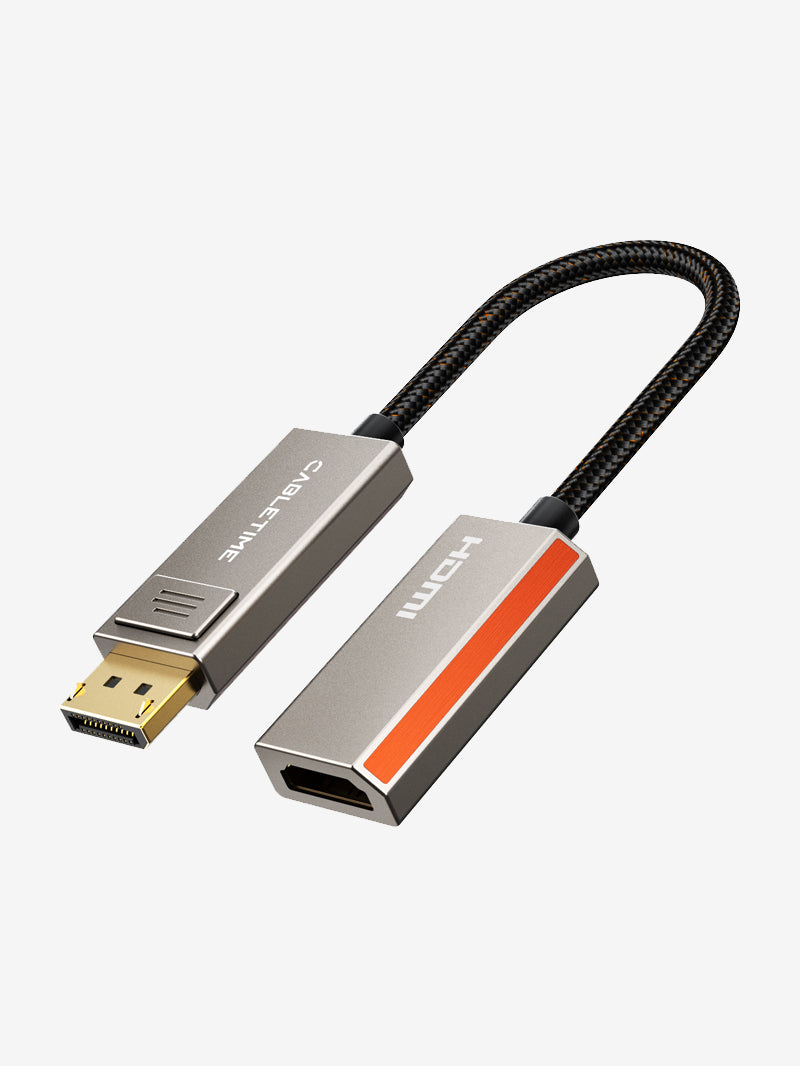


Direction and performance limits
This adapter works only from DisplayPort source to HDMI display. It does not work in reverse. The graphics card, operating system, HDMI cable and display must all support the chosen resolution and refresh rate; older systems and many Apple combinations may be limited to 4K@60Hz.
| Input | DisplayPort 1.4 male |
|---|---|
| Output | HDMI 2.1 female |
| Chipset | VMM7100 active conversion |
| Model / SKU | CP80A / CT-DMHF8K-ZG |
USE
- Connect the locking DP plug to the source.
- Connect a suitable HDMI cable and display.
- Select the HDMI input and set a supported mode.
COMPATIBILITY
For DisplayPort-equipped PCs, graphics cards and workstations with HDMI monitors, TVs and projectors.
USER SCENARIOS
- 8K workstation to television
- 4K high-refresh gaming monitor
- Creative and 3D visualization
- Conference-room HDMI display
FAQ
Bidirectional? No. DP source to HDMI display only.
Audio? Yes, when supported by both devices.
Guaranteed 8K? Only when the complete chain supports it.
GST invoice, India support and applicable warranty.

Check the signal path first.
Identify the source and display or capture device, check connector type and conversion direction, then connect and select the correct input. Choose a video mode supported by the complete setup.
Will I always get the maximum listed resolution?
Actual output depends on the source, receiving device, intermediate equipment, selected mode and the length or version you choose. Check any length-specific limits in the product details.
Which length or version should I select?
Use the product selector to choose the required option. Check that option against any model, connector, length or pack-size distinctions in the specifications before ordering.