


CABLETIME 3-in-1 Portable TV Dock for Nintendo Switch 2 / Switch, 4K@144Hz HDMI, 100W PD

3-in-1 Portable TV Dock for Nintendo Switch 2 / Switch, 4K@144Hz HDMI, 100W PD
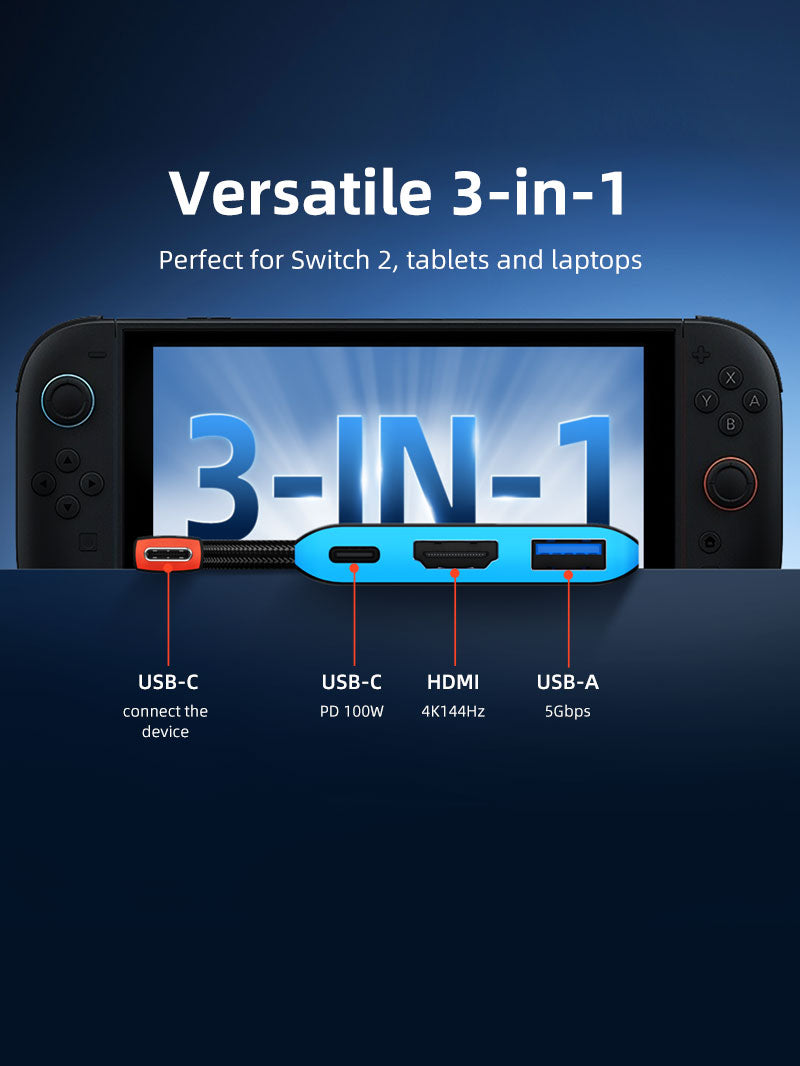
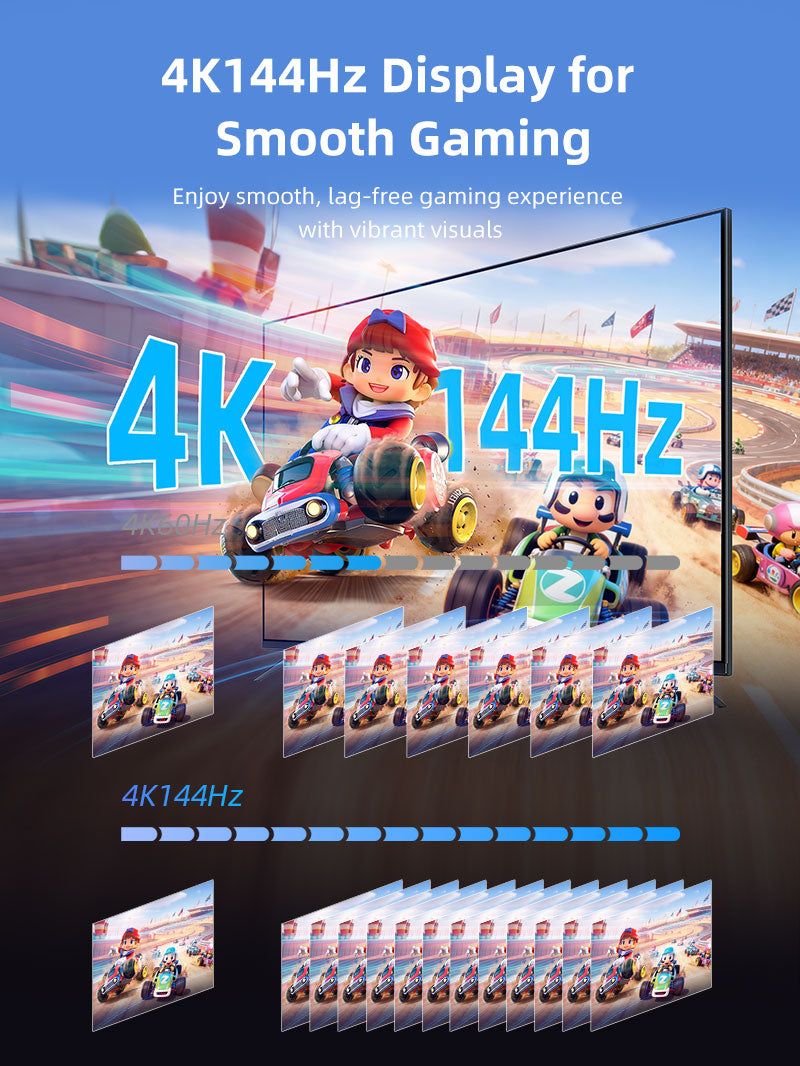
The compact 3-in-1 dock combines HDMI up to 4K@144Hz for compatible hosts, USB-A 5Gbps and USB-C Power Delivery input up to 100W.
A pocket-size TV dock for Switch 2, Switch and video-capable USB-C devices
4K@144HzDock HDMI capability100W PDPower while playing or workingUSB-A 5GbpsController, storage or peripheral52×58×11mmTravel-ready size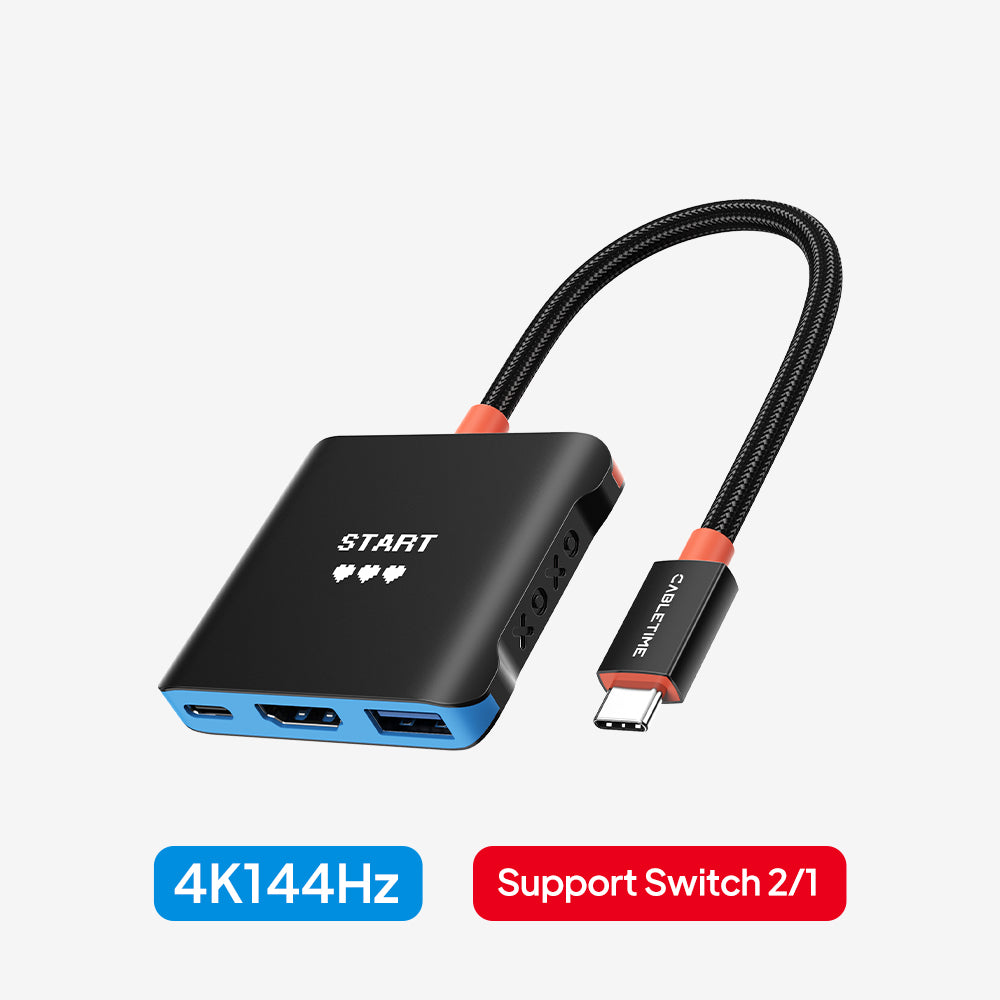
Power and console limits
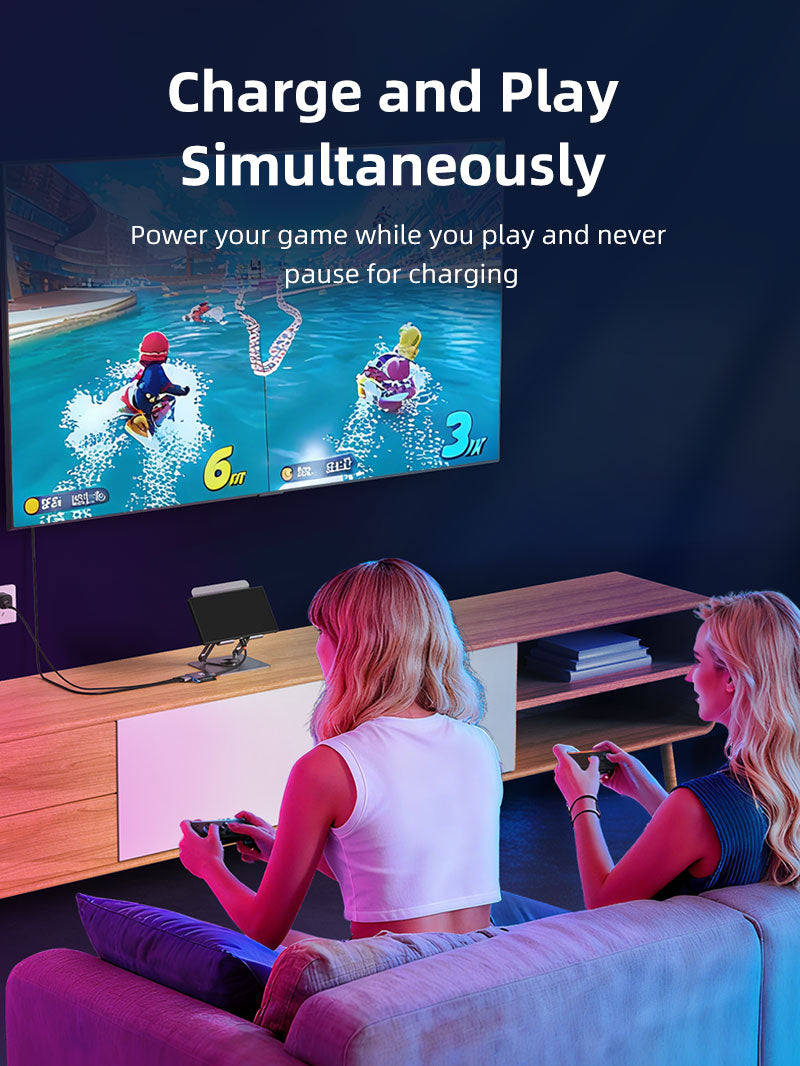
For Switch or Switch 2 TV mode, connect the original Nintendo power adapter or a compatible PD charger rated at least 39W. The dock may support 4K@144Hz with a compatible laptop, but the console itself controls its maximum TV output. Switch Lite does not provide TV output.
| Host | Integrated USB-C lead |
|---|---|
| Video | HDMI up to 4K@144Hz with compatible DP Alt Mode hosts |
| Data / Power | 1× USB-A 5Gbps; USB-C PD input up to 100W |
| Model / SKU | CBS1B / CT-SHUB31-AB |
USE
- Connect the dock to the console or USB-C host.
- Connect HDMI to the display.
- For Switch TV mode, connect a 39W-or-higher PD charger.
- Add one USB-A peripheral and select the display input.
COMPATIBILITY
For Nintendo Switch 2, Switch and Switch OLED TV-mode use, plus laptops, tablets and phones supporting USB-C DisplayPort Alternate Mode. Not suitable for Switch Lite TV output.
USER SCENARIOS
- Travel replacement for a full-size dock
- Living-room TV gaming
- Laptop presentation hub
- Tablet workstation
FAQ
TV mode without power? No; external PD power is required.
Laptop without charger? Video may work depending on the host.
Does 100W reach the device? Actual delivered power is lower and negotiated by charger, dock and host.
GST invoice, India support and applicable warranty.

Connect in a clear sequence.
Check host compatibility, connect any required power supply, attach the host cable and then add peripherals. Configure display, network and audio settings where those functions are provided.
Will every USB-C port support all functions?
No. Port shape alone does not establish video output, charging or data capabilities. Match the host requirements and supported operating-system features listed for this product.
Which length or version should I select?
Use the product selector to choose the required option. Check that option against any model, connector, length or pack-size distinctions in the specifications before ordering.