


CABLETIME USB-C to 3.5mm Audio Adapter with USB-C 60W PD Charging

USB-C to 3.5mm Audio Adapter with USB-C 60W PD Charging
This compact adapter combines a 3.5mm stereo output with a USB-C Power Delivery input up to 60W for compatible phones, tablets and laptops.
Use wired 3.5mm audio while charging a USB-C device
3.5mm AudioHeadphones, speakers and AUX60W PDPass-through charging16-bit / 48kHzIntegrated DACPD 3.0 / QC 3.0Compatible protocols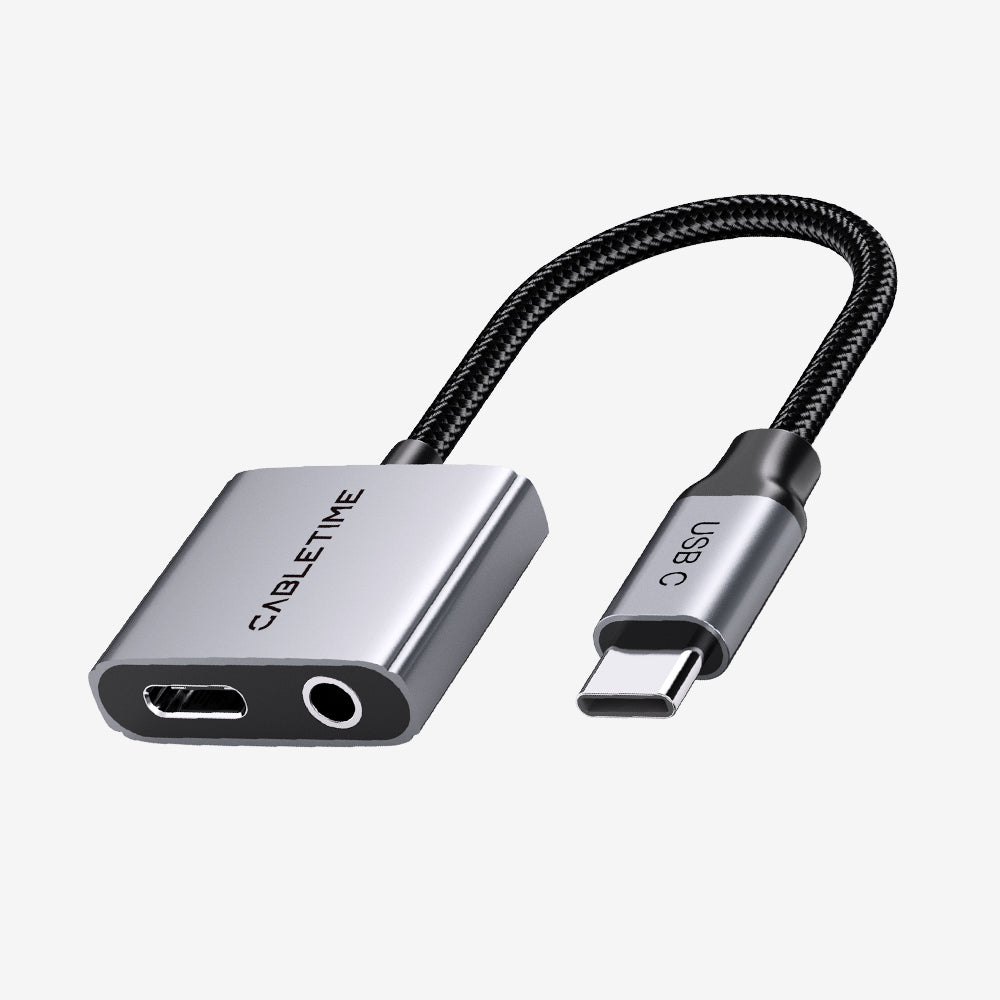
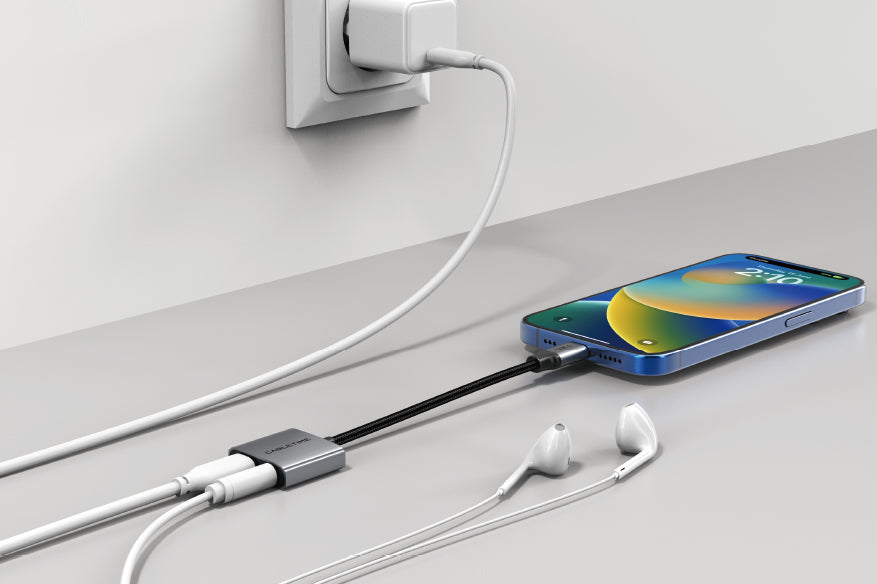

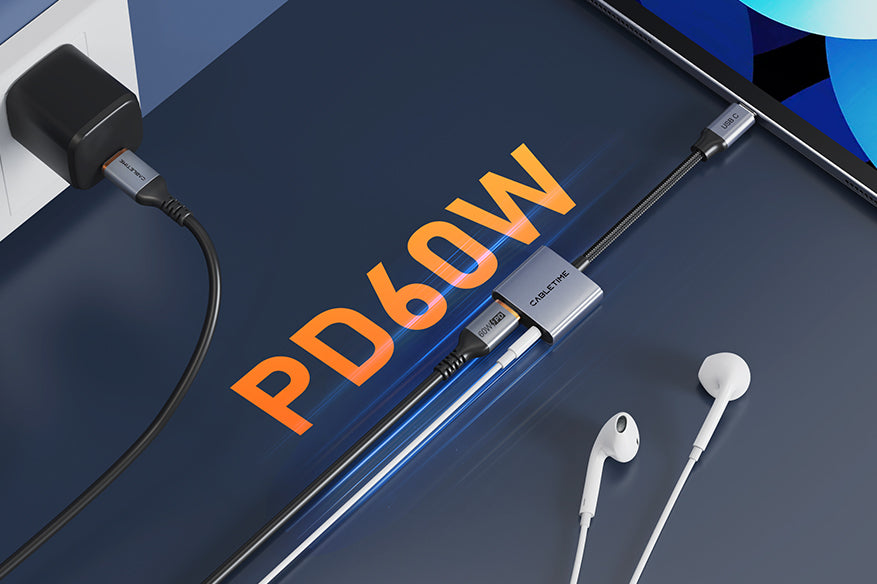
Separate audio and power functions
The USB-C female port is intended for power input, not general data. The host must support digital USB audio and charging through its USB-C port. Actual power depends on the charger, cable and device.
| Host / Audio | USB-C male to 3.5mm female stereo |
|---|---|
| Charging input | USB-C female, up to 60W PD |
| Audio conversion | Up to 16-bit / 48kHz DAC |
| Model / SKU | CPA2G / CT-CMAC-AG |
USE
- Connect the adapter to the host.
- Connect wired audio to 3.5mm.
- Connect a compatible USB-C charger when needed.
- Select USB audio if the device does not switch automatically.
COMPATIBILITY
For compatible USB-C phones, tablets and laptops plus standard 3.5mm headphones, speakers or car AUX systems. Microphone and inline-control support can vary.
USER SCENARIOS
- Music while charging
- Video calls with wired headset
- Car AUX with continuous power
- Tablet or laptop desk audio
FAQ
USB data? No; the female USB-C port is for power.
Always 60W? Only when charger, cable and device support it.
Microphone? Depends on host, headset and control standard.
GST invoice, India support and applicable warranty.

Match the audio connections.
Check connector size, contact arrangement and signal direction. Reduce volume before connecting, select the appropriate input or output and raise the listening level gradually.
Will matching plugs guarantee compatibility?
Check the required audio signal, microphone support and input/output role. Physically similar connectors can carry different signals; use the product-specific guidance above.
Which length or version should I select?
Use the product selector to choose the required option. Check that option against any model, connector, length or pack-size distinctions in the specifications before ordering.