


CABLETIME DisplayPort to Dual HDMI Adapter, Dual 4K@60Hz & 8K@30Hz, MST

DisplayPort to Dual HDMI Adapter, Dual 4K@60Hz & 8K@30Hz, MST
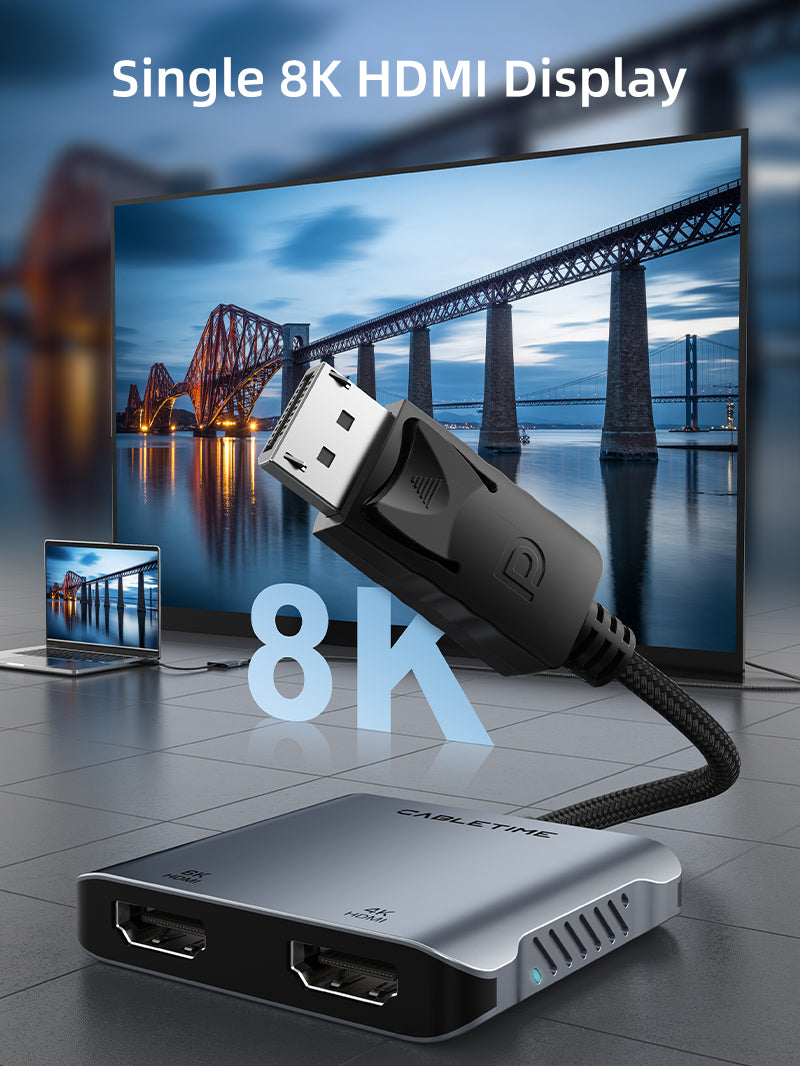
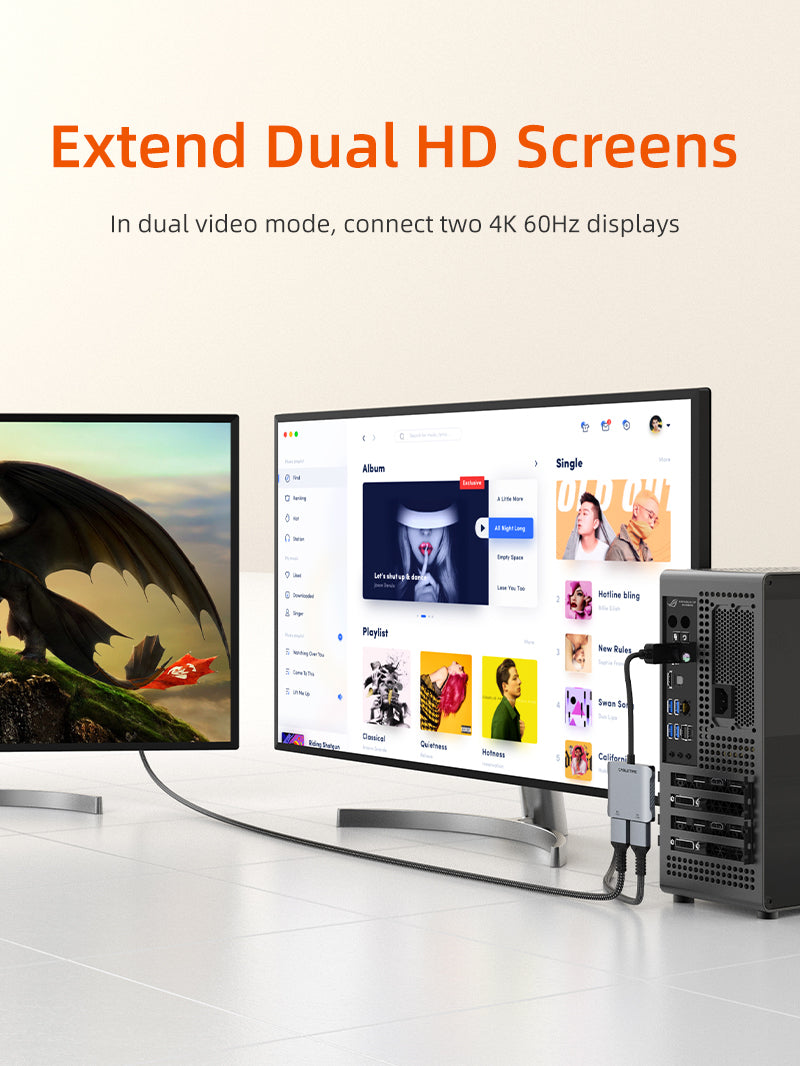
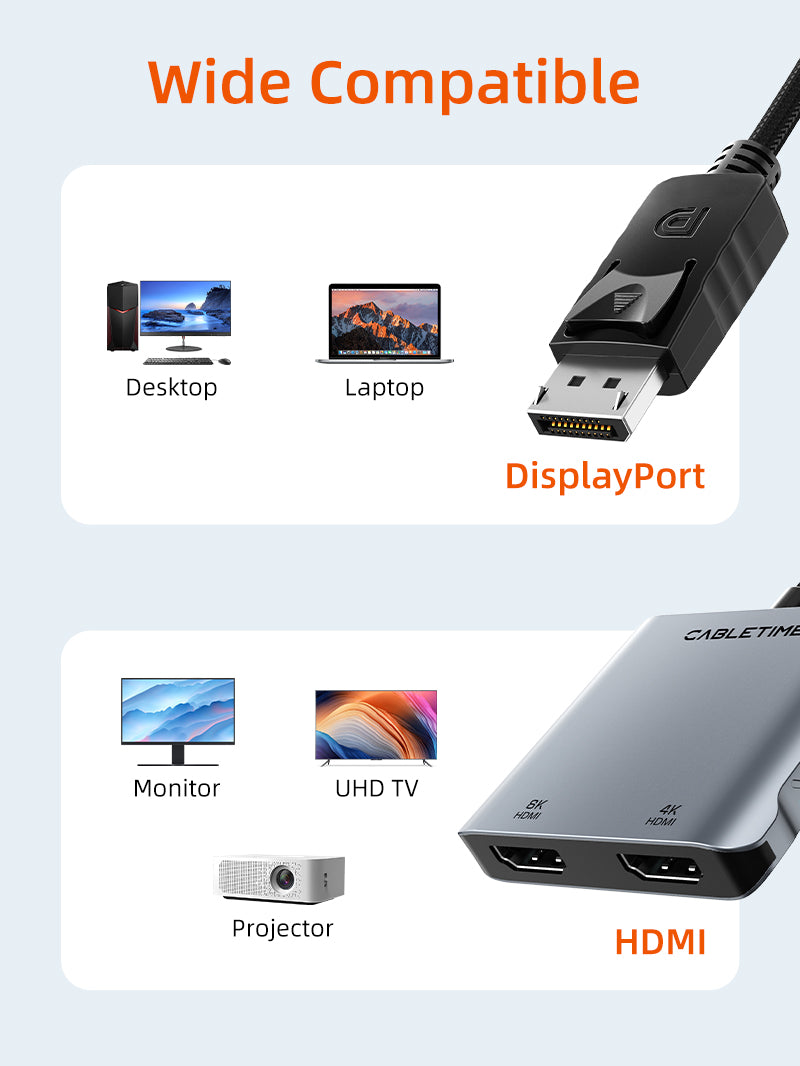
A powered DisplayPort-to-dual-HDMI adapter for Windows MST workstations and high-resolution display setups. It supports dual 4K@60Hz or a single output up to 8K@30Hz with compatible source hardware.
Run two HDMI displays from one DisplayPort source
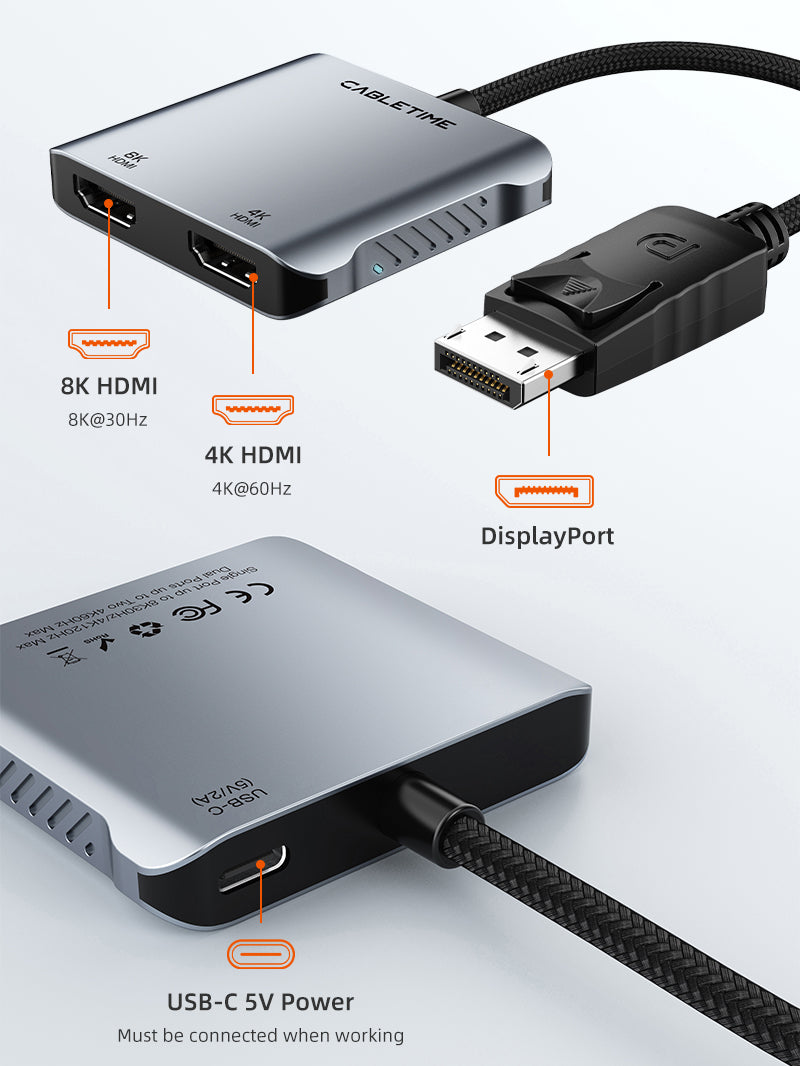
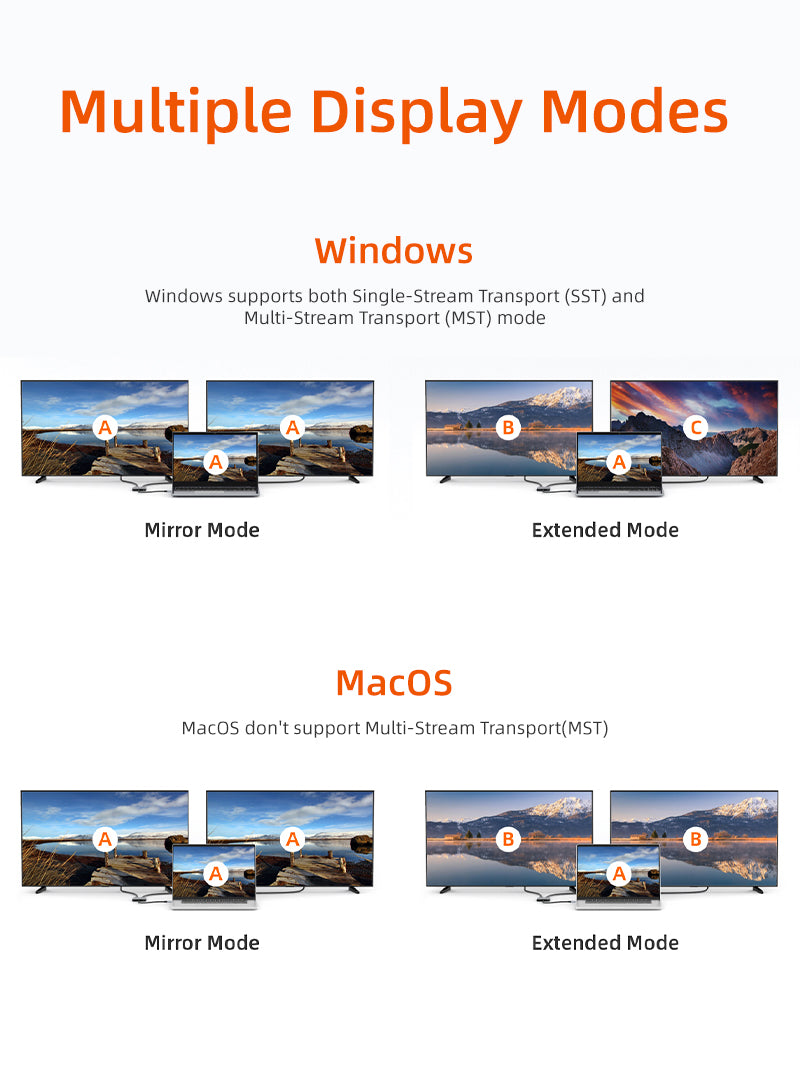
Dual 4K@60HzTwo compatible HDMI displays8K@30HzSingle-display maximumMST / SSTWindows extended desktops; macOS mirror limitationUSB-C 5V powerRequired for stable operation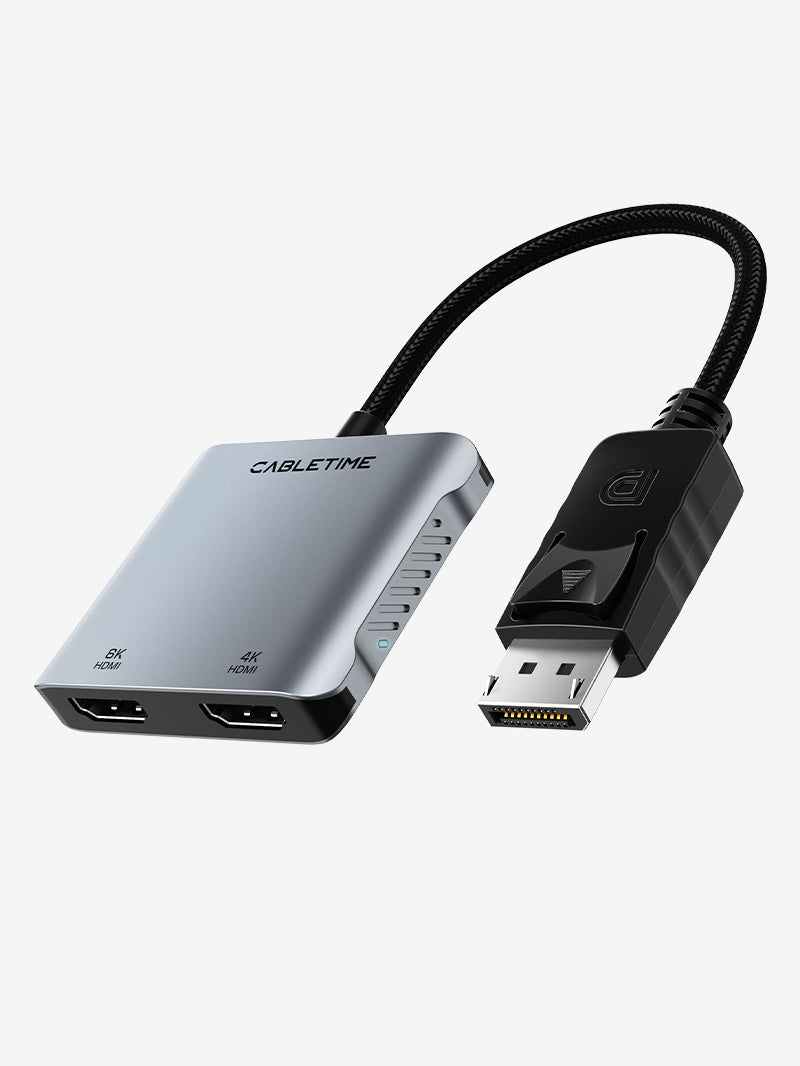
What it does — and what to check
The adapter is unidirectional from DisplayPort source to HDMI displays. Connect the included USB-C power input. Windows can use MST for independent extended desktops; macOS uses SST and generally shows the same content on both external outputs. VRR, FreeSync and G-SYNC are not supported.
Technical specifications
| Input | DisplayPort male |
|---|---|
| Outputs | 2 × HDMI female |
| Maximum display modes | Dual 4K@60Hz or single 8K@30Hz |
| Power | USB-C 5V external power required |
| Modes | Windows MST/SST; macOS SST mirror limitation |
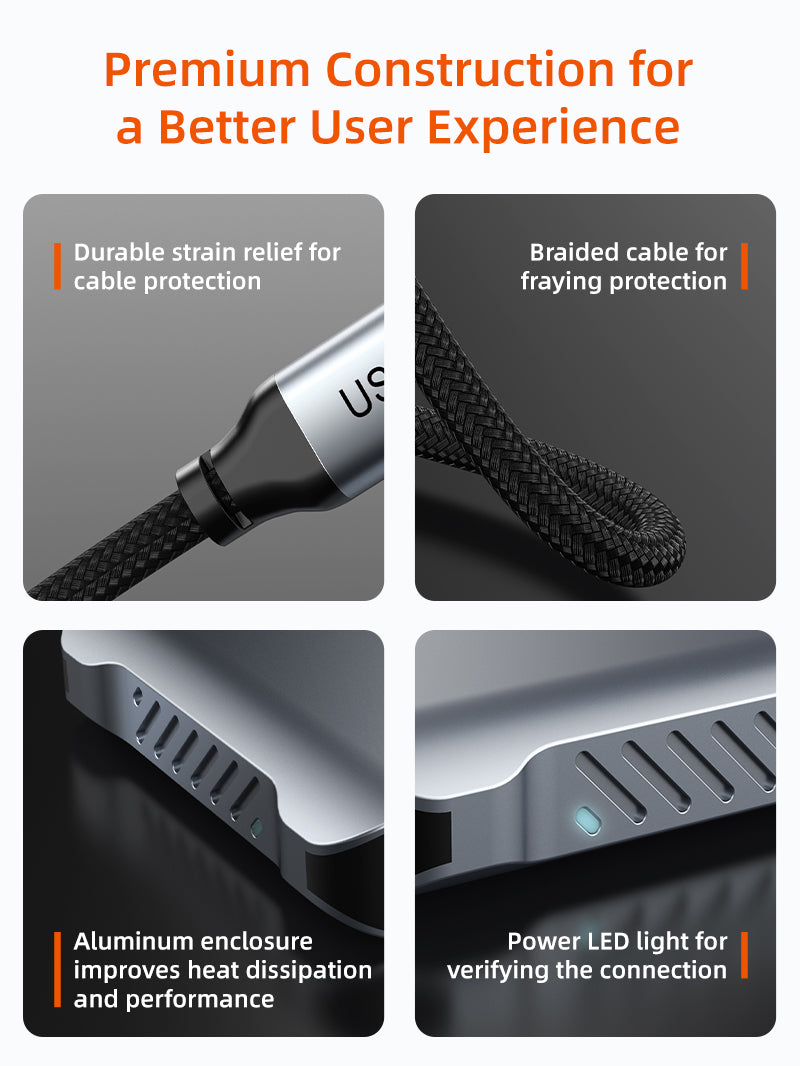
| Construction | Aluminium shell, braided lead and status LED |
| Model / SKU | CB74G / CT-DM2H8K-AG |
USE — setup and installation
- Connect the DisplayPort plug to the graphics source.
- Connect USB-C 5V power to the adapter.
- Connect one or two HDMI cables to the displays.
- Configure mirror or extend mode in the operating system.
COMPATIBILITY — check before buying
For desktop PCs, graphics cards, workstations and docks with full-size DisplayPort output, plus HDMI monitors, TVs and projectors. It does not convert HDMI sources to DisplayPort displays.
USER SCENARIOS — where it fits
- Dual-monitor office workstation
- Trading, monitoring and control-room desk
- Presentation plus confidence monitor
- Single high-resolution 8K display
FAQ — frequently asked questions
Can macOS extend two different desktops?
Normally no. macOS MST restrictions generally duplicate the same external image.
Does it need power?
Yes. USB-C 5V power is required.
Does it support gaming VRR?
No. VRR, FreeSync and G-SYNC are not supported.
Supplied with GST invoice, India support and the applicable product warranty. Performance depends on the complete connected-device chain.
Check the signal path first.
Identify the source and display or capture device, check connector type and conversion direction, then connect and select the correct input. Choose a video mode supported by the complete setup.
Will I always get the maximum listed resolution?
Actual output depends on the source, receiving device, intermediate equipment, selected mode and the length or version you choose. Check any length-specific limits in the product details.
Which length or version should I select?
Use the product selector to choose the required option. Check that option against any model, connector, length or pack-size distinctions in the specifications before ordering.