


CABLETIME Active HDMI to DisplayPort Adapter, 4K@60Hz with USB-C Power

Active HDMI to DisplayPort Adapter, 4K@60Hz with USB-C Power
An LT6711A-based active converter for linking an HDMI computer, console or media source to a DisplayPort monitor. USB-C power supports stable one-way conversion.
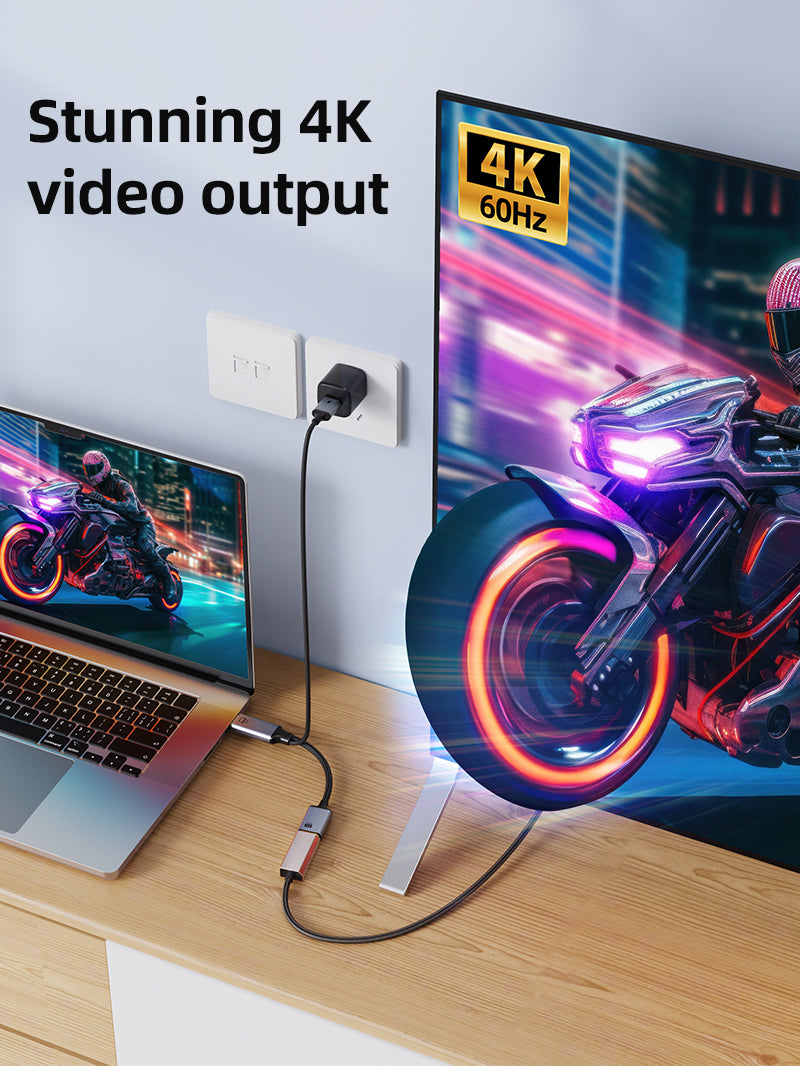
Convert an HDMI source to a DisplayPort display at up to 4K@60Hz
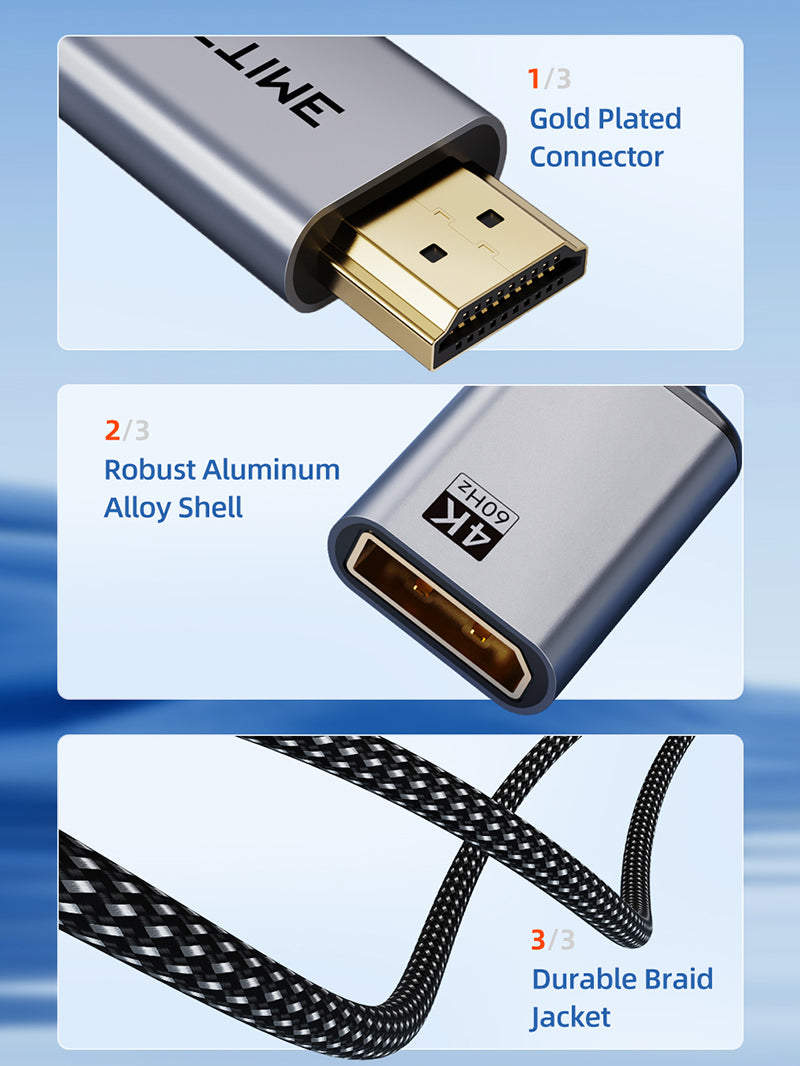
HDMI → DPCorrect conversion direction4K@60HzMaximum compatible outputUSB-C PowerRequired for conversionLT6711AActive conversion chipset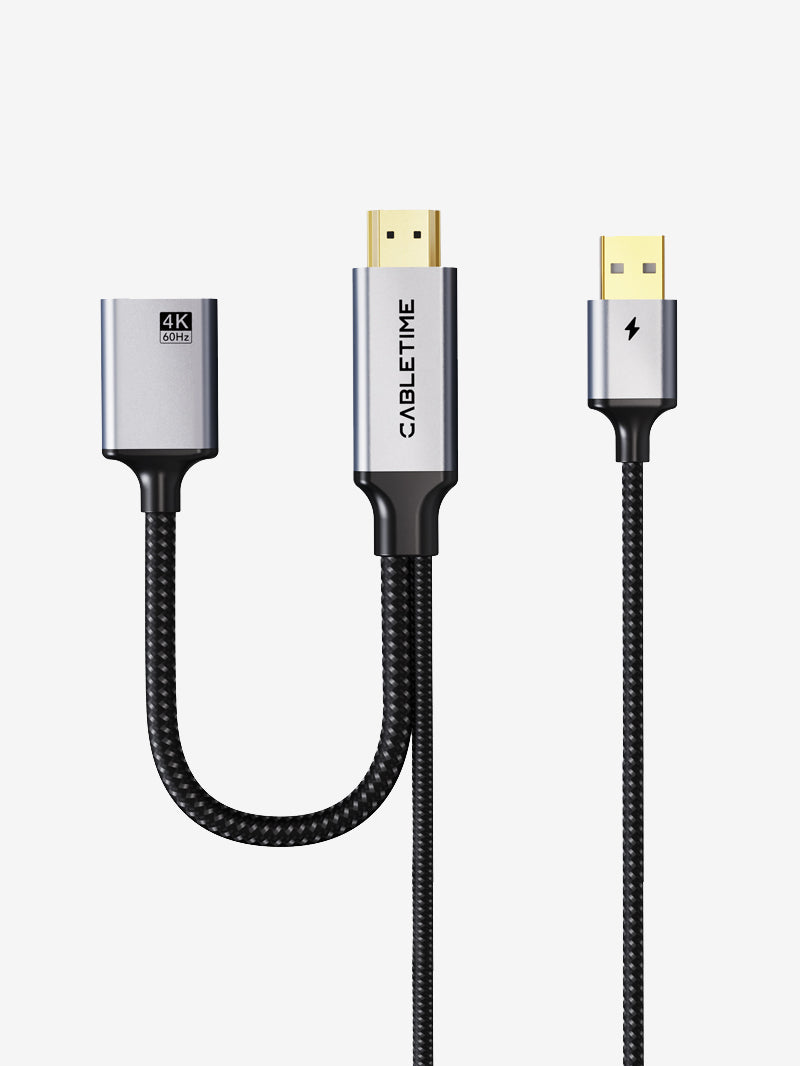
Uncommon direction — verify before ordering
This adapter works from HDMI source to DisplayPort display. It is not the same as the more common DP-to-HDMI adapter. USB-C power is mandatory and a separate DisplayPort cable is required.
| Signal direction | HDMI male source to DisplayPort female output |
|---|---|
| Maximum video | Up to 4K@60Hz |
| Power / chipset | USB-C power required; LT6711A |
| Model / SKU | CP51B / CT-HMDF4K-AG |
USE
- Connect HDMI male to the source.
- Connect USB-C power.
- Run a DisplayPort cable to the monitor.
- Select the DisplayPort input.
COMPATIBILITY
For HDMI-equipped PCs, consoles and media devices connecting to DisplayPort monitors. Verify HDCP and resolution support for protected content and consoles.
USER SCENARIOS
- HDMI laptop to DP monitor
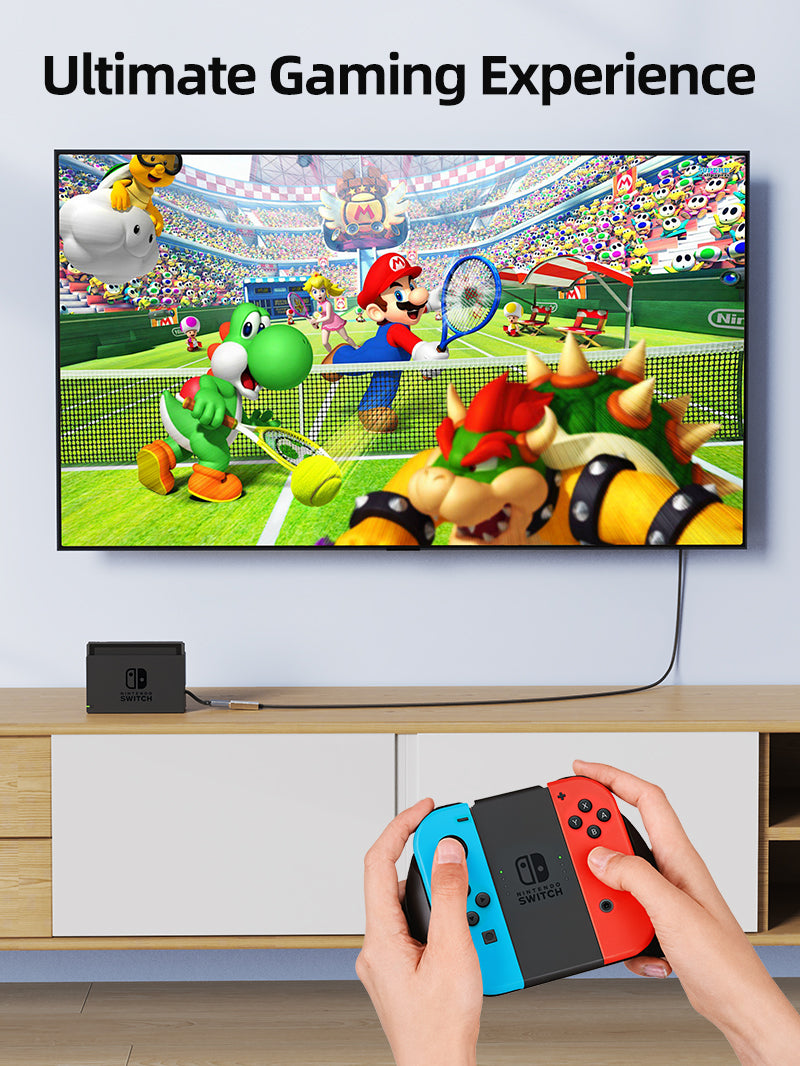
- Console to DP gaming display
- Mini PC to office DP monitor
- Media player to DP projector
FAQ
Reverse direction? No.
Power optional? No, USB power is required.
DP cable included? The output requires a separate DP cable; check package contents.
GST invoice, India support and applicable warranty.

Check the signal path first.
Identify the source and display or capture device, check connector type and conversion direction, then connect and select the correct input. Choose a video mode supported by the complete setup.
Will I always get the maximum listed resolution?
Actual output depends on the source, receiving device, intermediate equipment, selected mode and the length or version you choose. Check any length-specific limits in the product details.
Which length or version should I select?
Use the product selector to choose the required option. Check that option against any model, connector, length or pack-size distinctions in the specifications before ordering.